Shop the look section
Lifestyle image with pulsing hotspots that open product popovers with quick add.
The same section in the three themes:
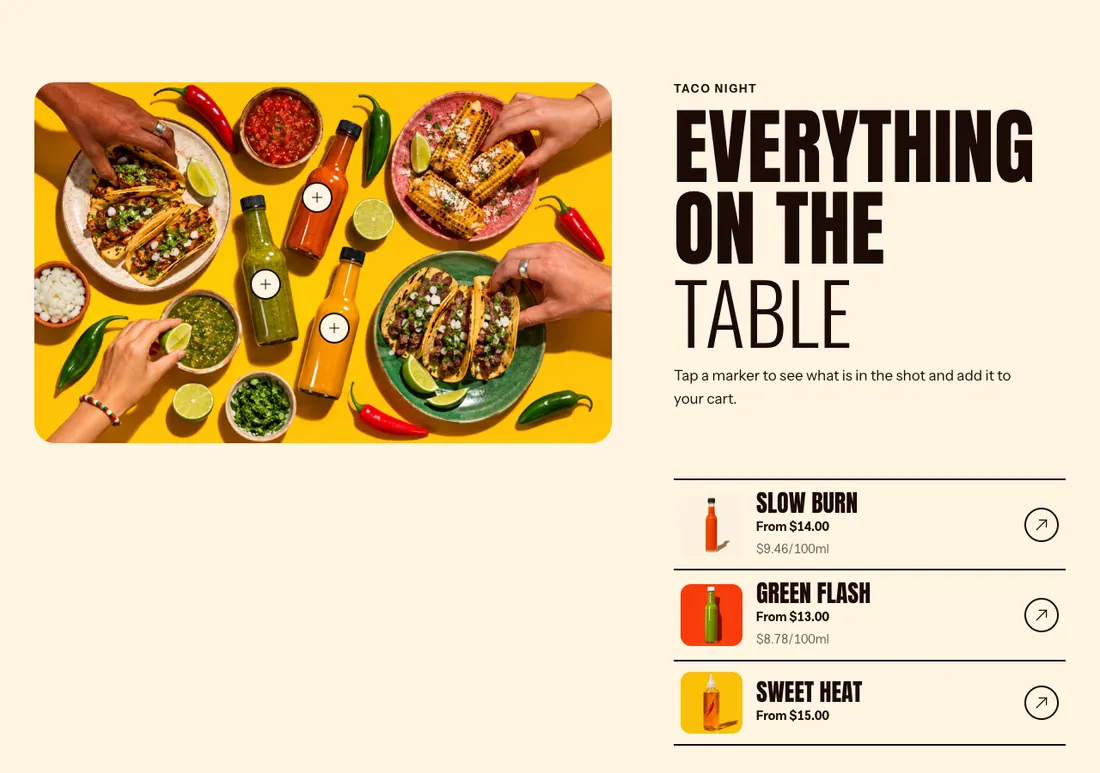
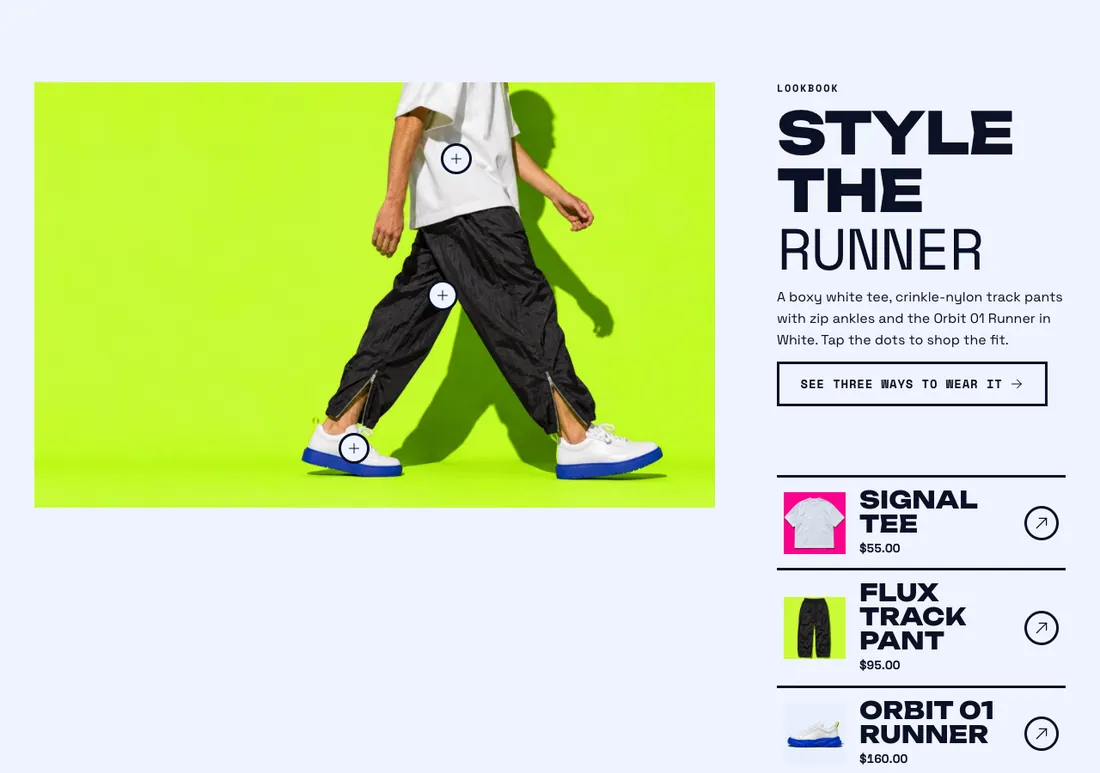
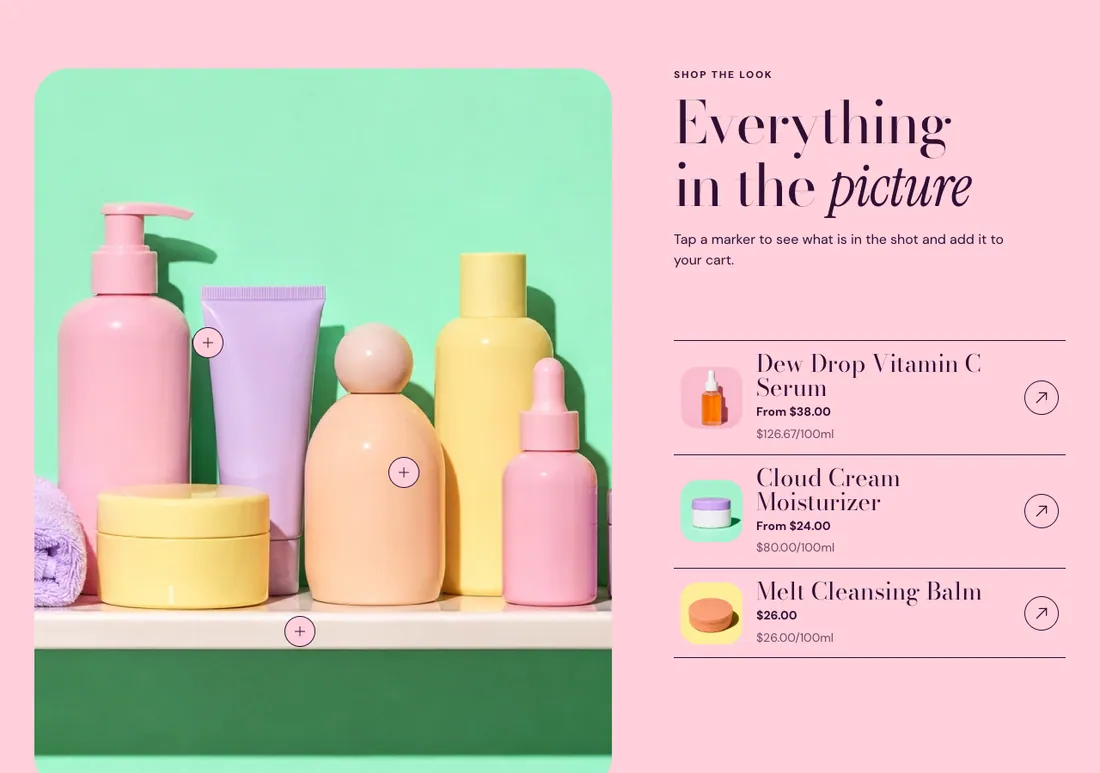
Where to find it: In the theme editor, choose Add section on any template, then pick Shop the look.
The heading area is a static block named Section header. Select it in the section sidebar to edit the eyebrow, heading, text and buttons, or to restyle or reorder them.
When you add this section, you can start from these presets: Shop the look, Shop the look, full width.
Settings
Section titled “Settings”| Setting | Type | Default | Options | Notes |
|---|---|---|---|---|
| Image | Image | |||
| Image ratio | Select | Portrait (4:5) | Adapt to image, Portrait (4:5), Square (1:1), Landscape (4:3), Wide (16:9) | |
| Layout | Select | Image left | Image left, Image right, Full width image | |
| Image width | Select | Medium | Small, Medium, Large | Shown when Layout is not Full width image. |
Hotspots
Section titled “Hotspots”| Setting | Type | Default | Options | Notes |
|---|---|---|---|---|
| Hotspot style | Select | Plus | Dot, Plus, Number | |
| Pulse hotspots | Checkbox | On | ||
| Show product list | Checkbox | On | Lists the same products next to the image and highlights the matching hotspot on hover. |
Section style
Section titled “Section style”| Setting | Type | Default | Options | Notes |
|---|---|---|---|---|
| Color scheme | Color scheme | Scheme 1 | ||
| Layout width | Select | Page width | Page width, Full width | |
| Animation on scroll | Select | Theme default | Theme default, None, Fade, Slide up, Scale in, Wipe, Blur in | |
| Top padding | Slider | 80 px | 0 to 200 px, step 8 | |
| Bottom padding | Slider | 80 px | 0 to 200 px, step 8 |
Blocks
Section titled “Blocks”Add, reorder, duplicate or remove these blocks in the section sidebar: Hotspot, Section header.
This section holds up to 8 blocks.
Hotspot block settings
Section titled “Hotspot block settings”| Setting | Type | Default | Options | Notes |
|---|---|---|---|---|
| Product | Product | |||
| Horizontal position | Slider | 50 % | 0 to 100 %, step 1 | |
| Vertical position | Slider | 50 % | 0 to 100 %, step 1 | Counts from the top left corner of the image. |
Section header block settings
Section titled “Section header block settings”| Setting | Type | Default | Options | Notes |
|---|---|---|---|---|
| Layout | Select | Stacked | Stacked, Split: content left, button right | |
| Alignment | Select | Left | Left, Center, Right | Shown when Layout is Stacked. |
| Max width | Select | None | None, Narrow, Normal | |
| Gap | Slider | 12 px | 0 to 64 px, step 4 | |
| Space below | Slider | 48 px | 0 to 120 px, step 4 | |
| Animation on scroll | Select | None | Theme default, None, Fade, Slide up, Scale in, Wipe, Blur in |