Cart and checkout
Pick a cart drawer or a cart page. Add an order note. Show a free shipping bar.
- Open the theme editor.
- Select the Theme settings icon (marker 1).
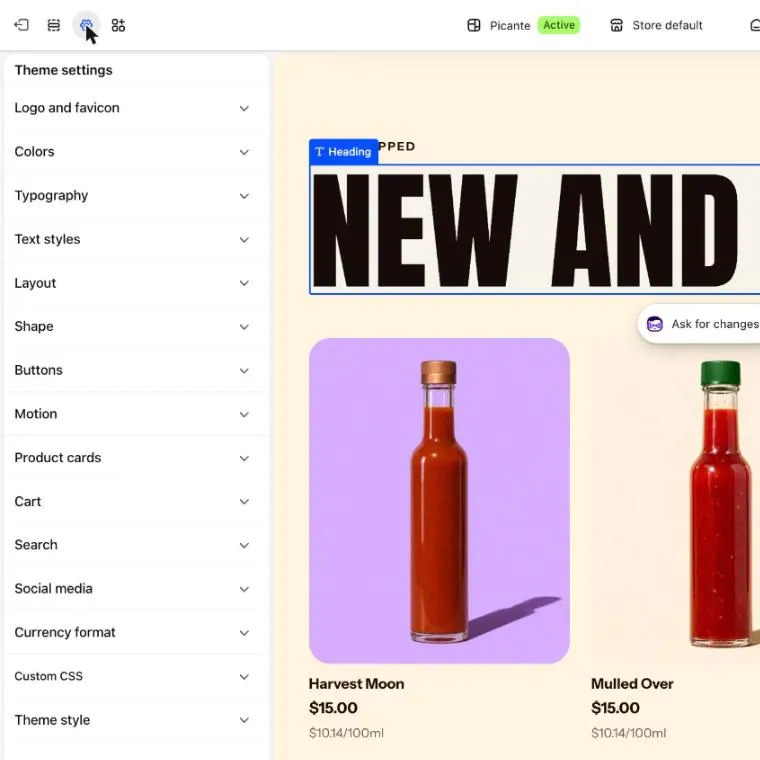
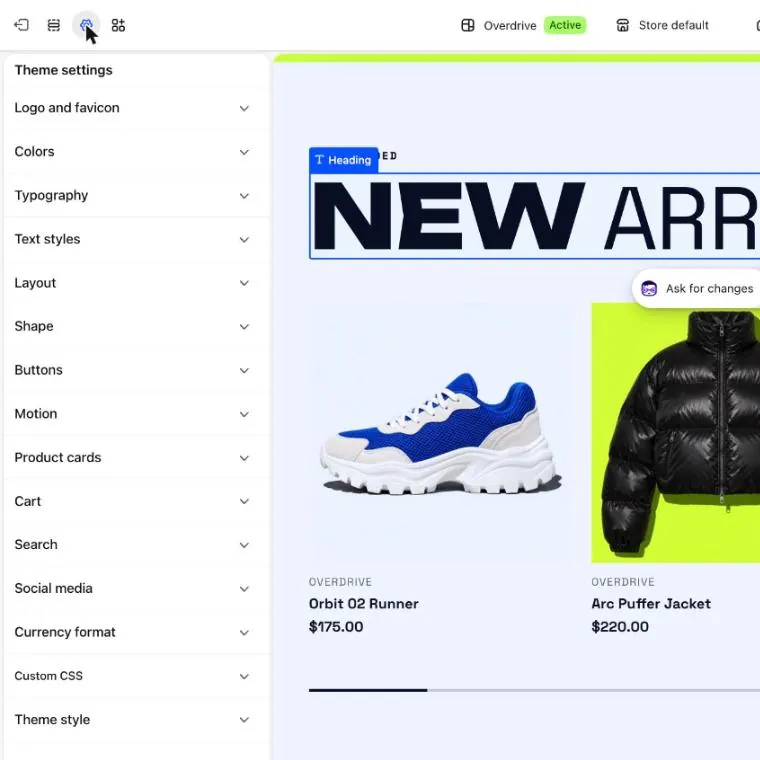
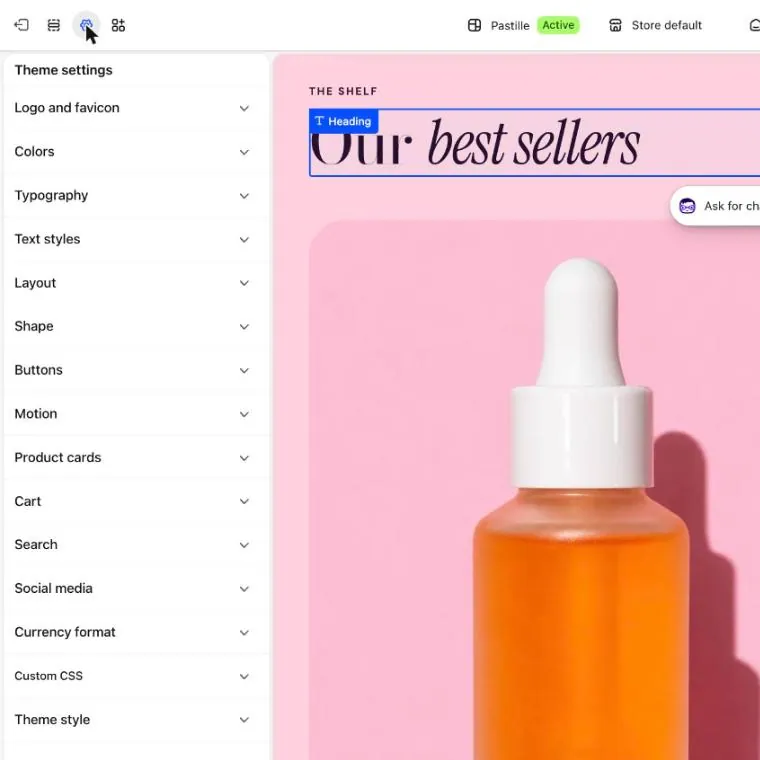
- Open Cart (marker 1).
- Next to Cart type, choose Drawer or Page (marker 2). A drawer slides in from the side when someone adds a product. A page opens the full cart page.
- Switch Show order note on if you want shoppers to leave a note with their order.
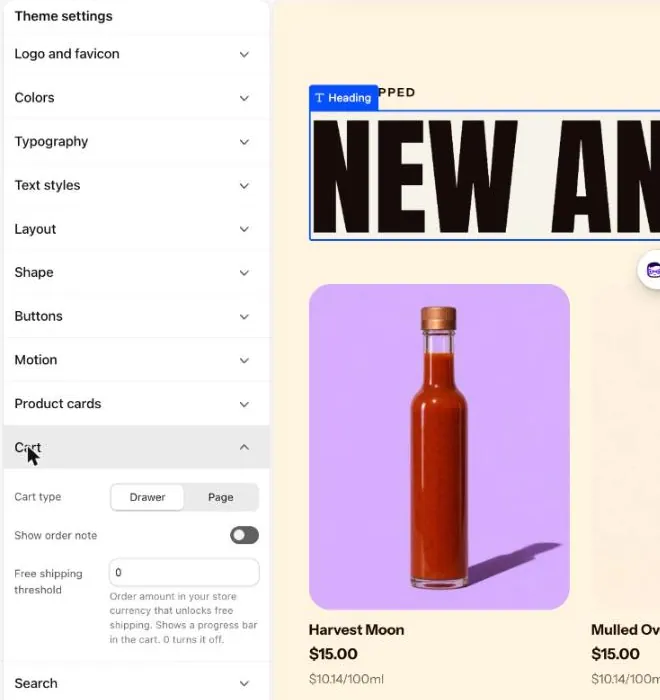
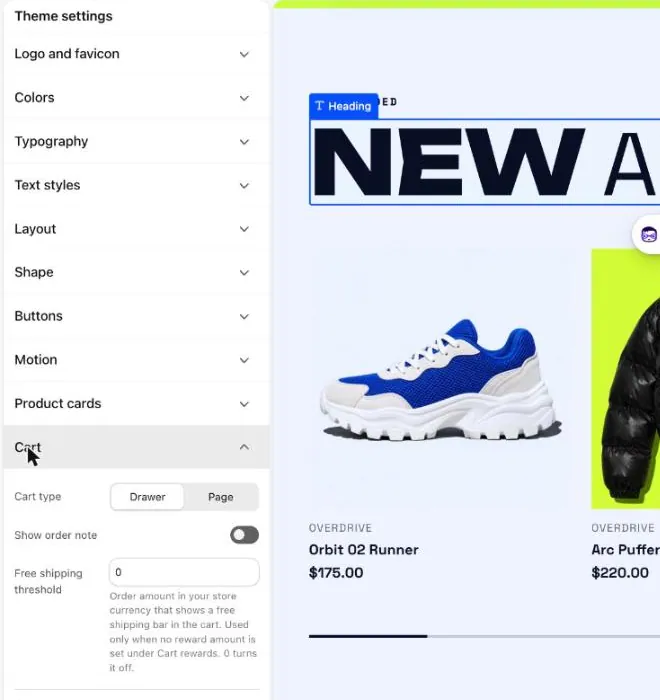
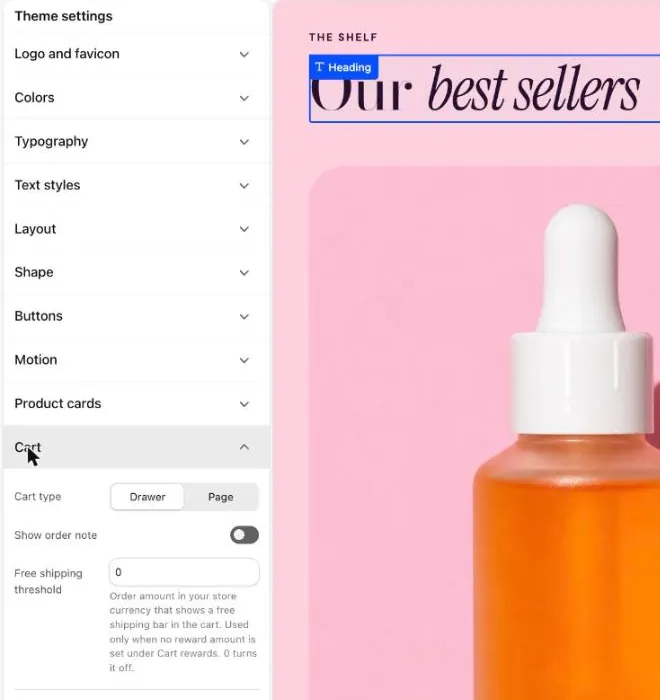
- In Free shipping threshold (marker 3), type the order amount that unlocks free shipping. Type 0 to turn the bar off.
- Select Save.
Show or hide parts of the cart
Section titled “Show or hide parts of the cart”- For the drawer, select Cart drawer in the left panel. For the cart page, pick Cart in the page picker, then select Cart.
- Use the switches, such as Show free shipping progress and Show discount code field.
Good to know
Section titled “Good to know”- Shopify controls checkout, not your theme. See Shopify Checkout.
- The bar is only a message. Set up the free shipping rate under Settings and then Shipping and delivery.
- The bar shows only for carts in your store currency with items that ship.
- The cart can suggest products too. See Pairs well with.
See every setting: Cart theme settings and Cart drawer.