Age verifier section
Age verifier section.
The same section in the three themes:
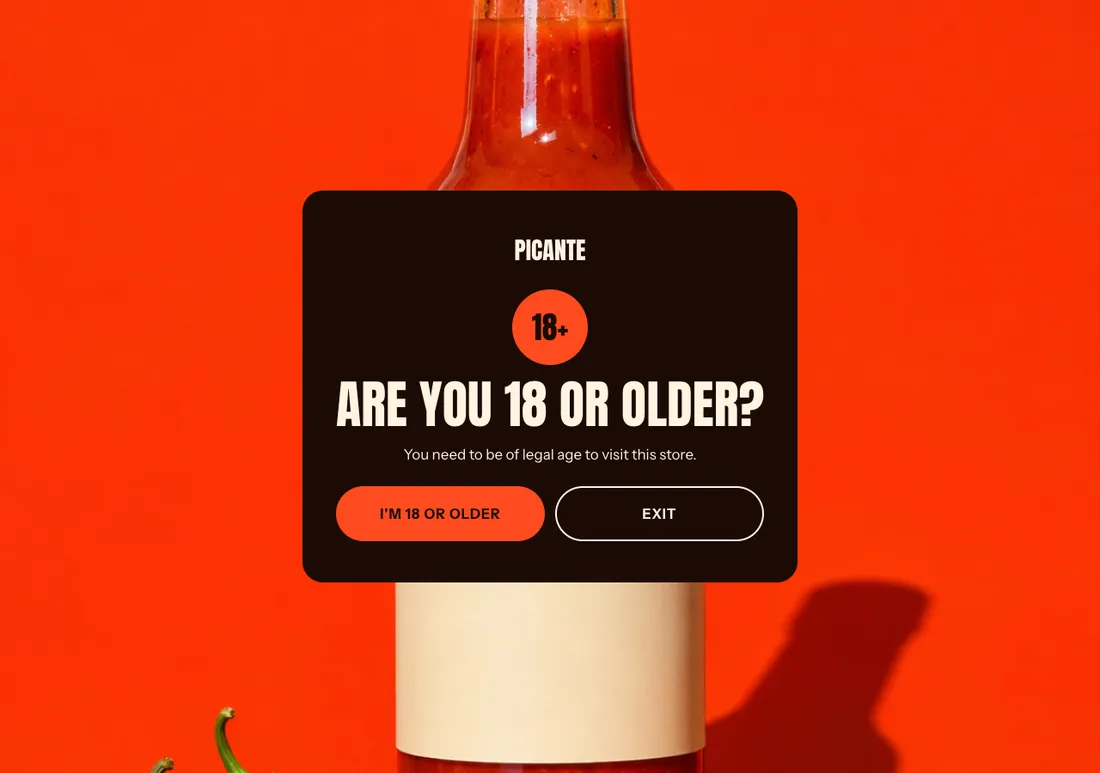
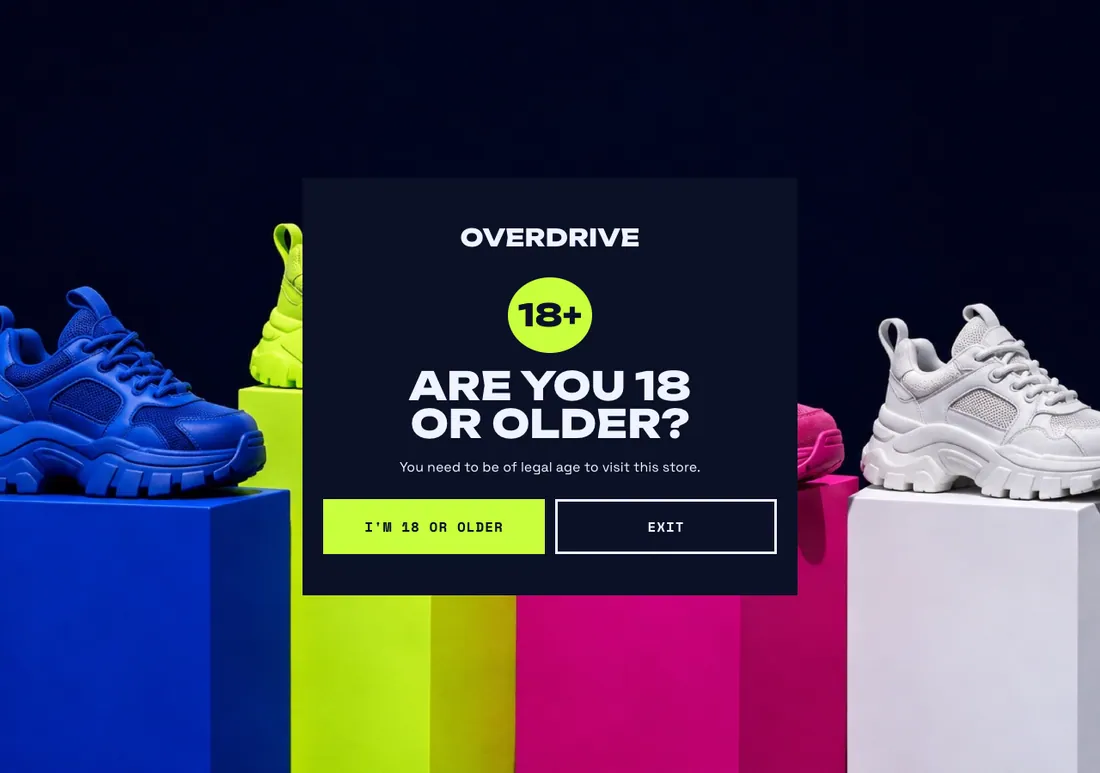
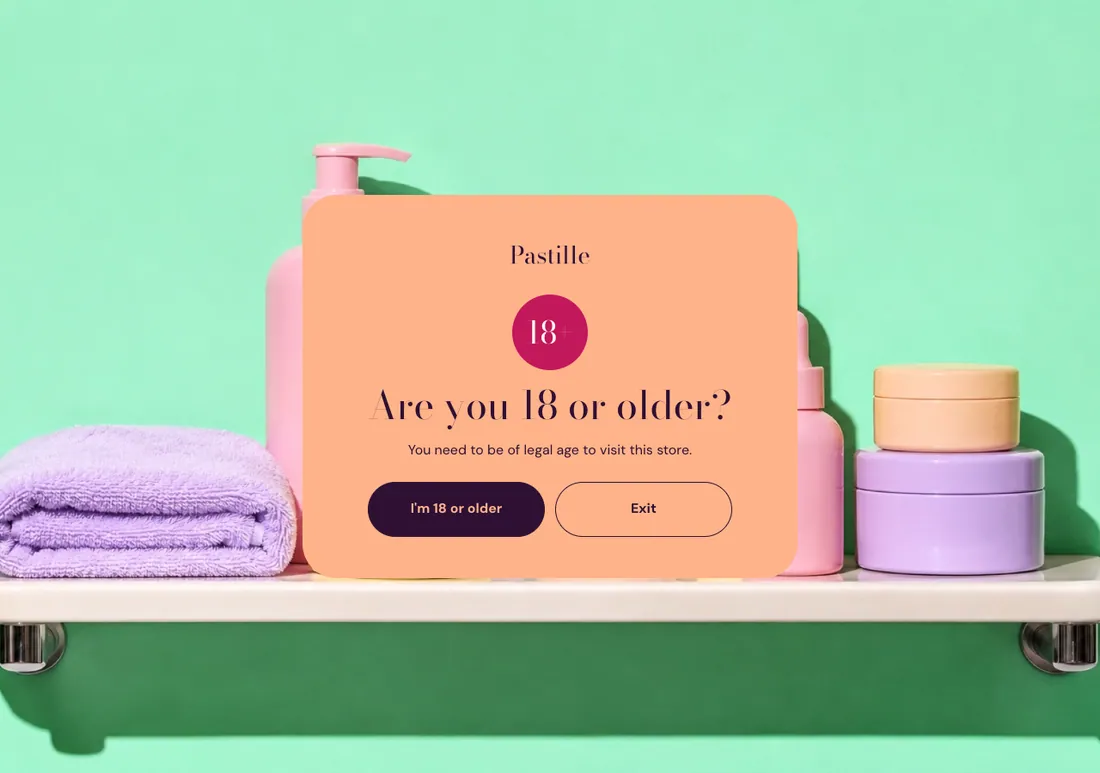
Where to find it: In the theme editor, choose Add section on any template, then pick Age verifier.
When you add this section, it starts from the Age verifier preset.
Settings
Section titled “Settings”Covers the store until visitors confirm their age. Add it to the header to show it on every page. In the editor, it shows only while the section is selected.
| Setting | Type | Default | Options | Notes |
|---|---|---|---|---|
| Minimum age | Slider | 18 | 13 to 25, step 1 | |
| Remember the answer for | Slider | 30 d | 0 to 90 d, step 1 | In days. 0 asks again on every visit. |
Content
Section titled “Content”| Setting | Type | Default | Options | Notes |
|---|---|---|---|---|
| Show logo | Checkbox | On | ||
| Heading | Text | Leave blank to ask if visitors are at least the minimum age. | ||
| Text | Rich text | You need to be of legal age to visit this store. | ||
| Confirm button label | Text | Leave blank to use the minimum age, like I’m 18 or older. | ||
| Exit button label | Text | |||
| Exit link | Link | Where to send visitors who are too young. Leave blank to show a message instead. | ||
| Message for visitors who are too young | Text | Shown when Exit link is on. |
Section style
Section titled “Section style”| Setting | Type | Default | Options | Notes |
|---|---|---|---|---|
| Background image | Image | |||
| Color scheme | Color scheme | Scheme 3 |