Promo popup section
Promo popup section.
The same section in the three themes:
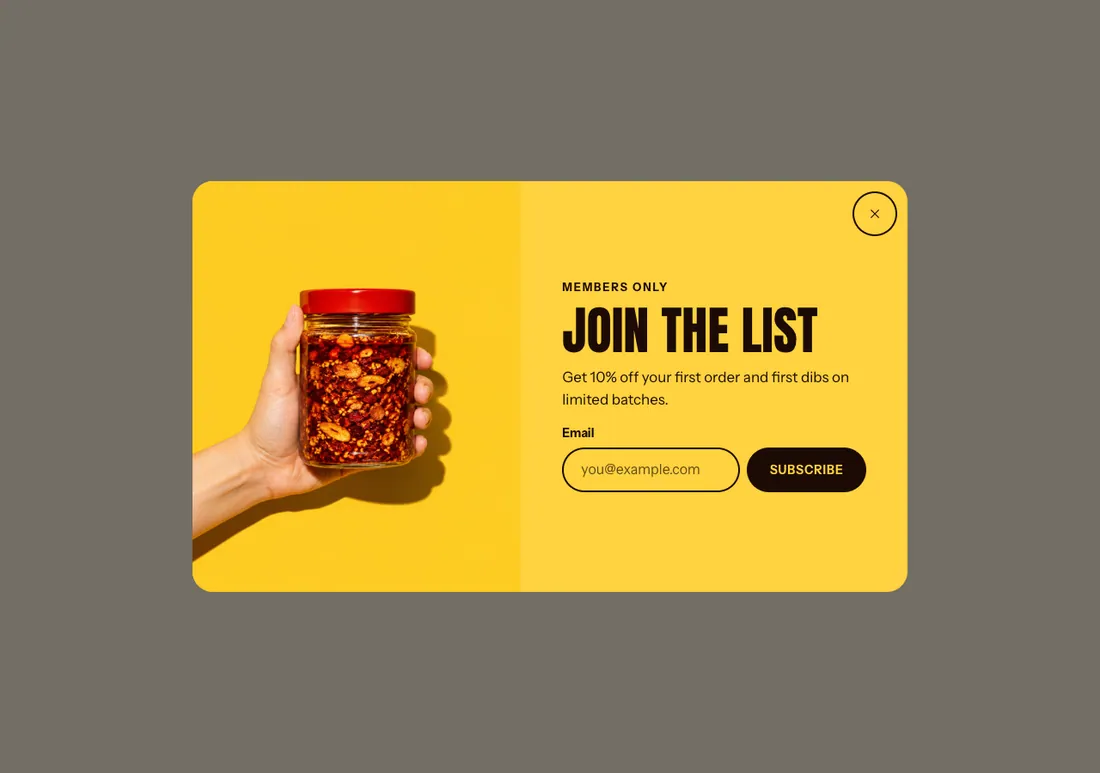
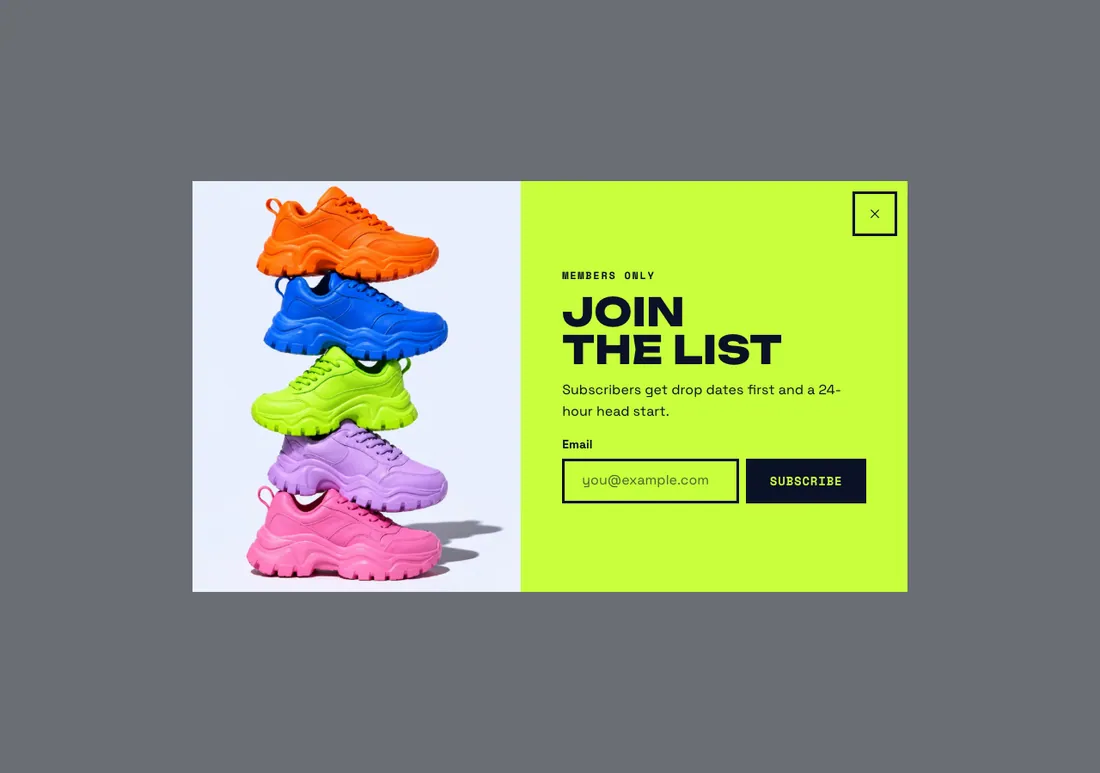
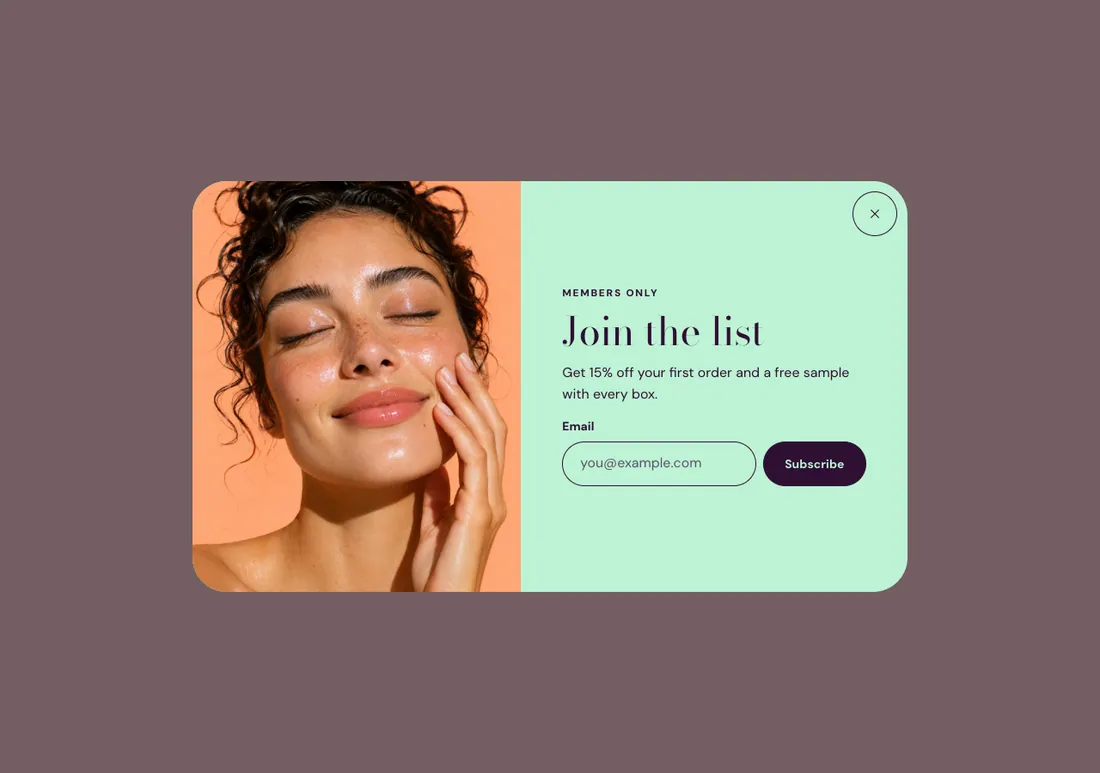
Where to find it: In the theme editor, choose Add section on any template, then pick Promo popup.
When you add this section, you can start from these presets: Promo popup, Discount popup.
Settings
Section titled “Settings”Opens on every page that has this section. Add it to the footer to show it across the store. In the editor, it opens only while the section is selected.
| Setting | Type | Default | Options | Notes |
|---|---|---|---|---|
| Image | Image | |||
| Media position | Select | Beside the text | Beside the text, Above the text | Shown when Image is on. |
Action
Section titled “Action”| Setting | Type | Default | Options | Notes |
|---|---|---|---|---|
| Action | Select | Email signup | None, Email signup, Discount code, Button | |
| Discount code | Text | Create the code in Discounts first. With email signup, the code shows after the shopper signs up. Shown when Action is Email signup or Action is Discount code. | ||
| Button label | Text | Shown when Action is Email signup or Action is Button. | ||
| Button link | Link | Shown when Action is Button. | ||
| Message after signing up | Text | Shown when Action is Email signup. | ||
| Small print | Inline text | Shown when Action is Email signup. |
When it opens
Section titled “When it opens”| Setting | Type | Default | Options | Notes |
|---|---|---|---|---|
| Open | Select | After a delay | After a delay, After scrolling, When leaving the page | |
| Delay | Slider | 8 s | 0 to 60 s, step 1 | With When leaving the page, touch screens open it after this delay instead. Shown when Open is not After scrolling. |
| Scroll depth | Slider | 40 % | 10 to 90 %, step 5 | Shown when Open is After scrolling. |
| Show again after | Slider | 7 d | 0 to 60 d, step 1 | In days. 0 shows it once per visit. |
| Show on phones | Checkbox | On | Opens as a panel from the bottom of the screen. |
Section style
Section titled “Section style”| Setting | Type | Default | Options | Notes |
|---|---|---|---|---|
| Width | Select | Medium | Small, Medium, Large | |
| Color scheme | Color scheme | Scheme 4 |
Blocks
Section titled “Blocks”You can also add any theme block (see Blocks) and app blocks to this section.