Media with text section
Image or video in an arch, circle or pill shape with parallax, a wipe reveal and a rotating text badge.
The same section in the three themes:
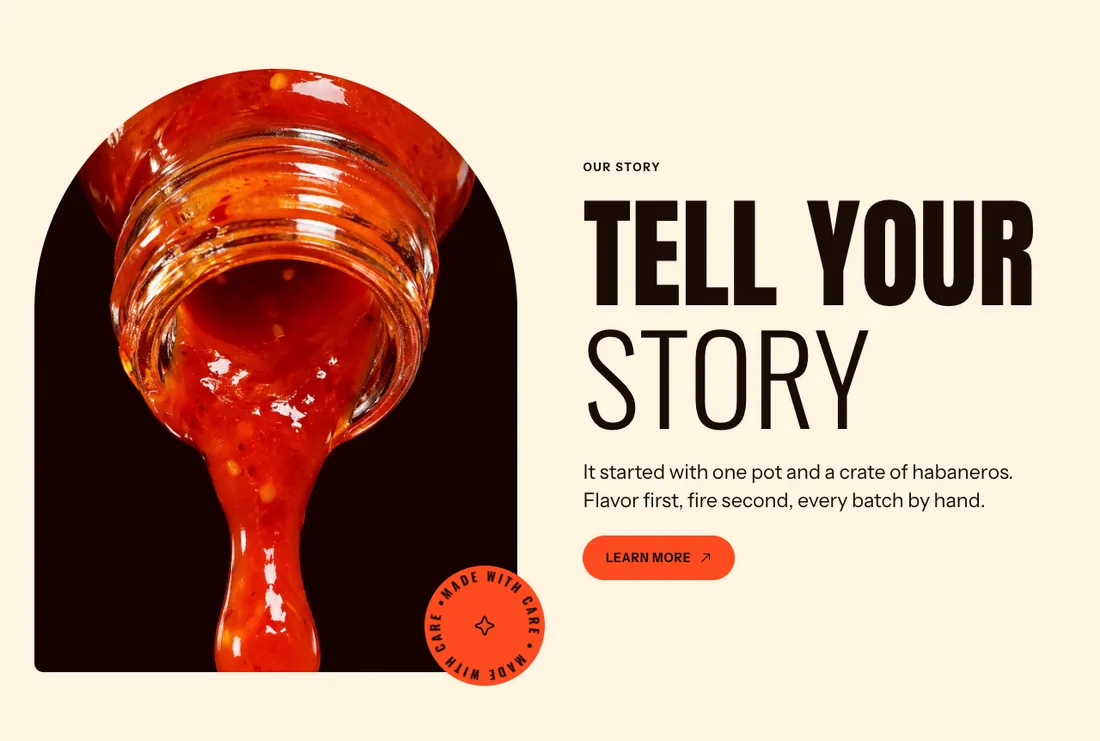

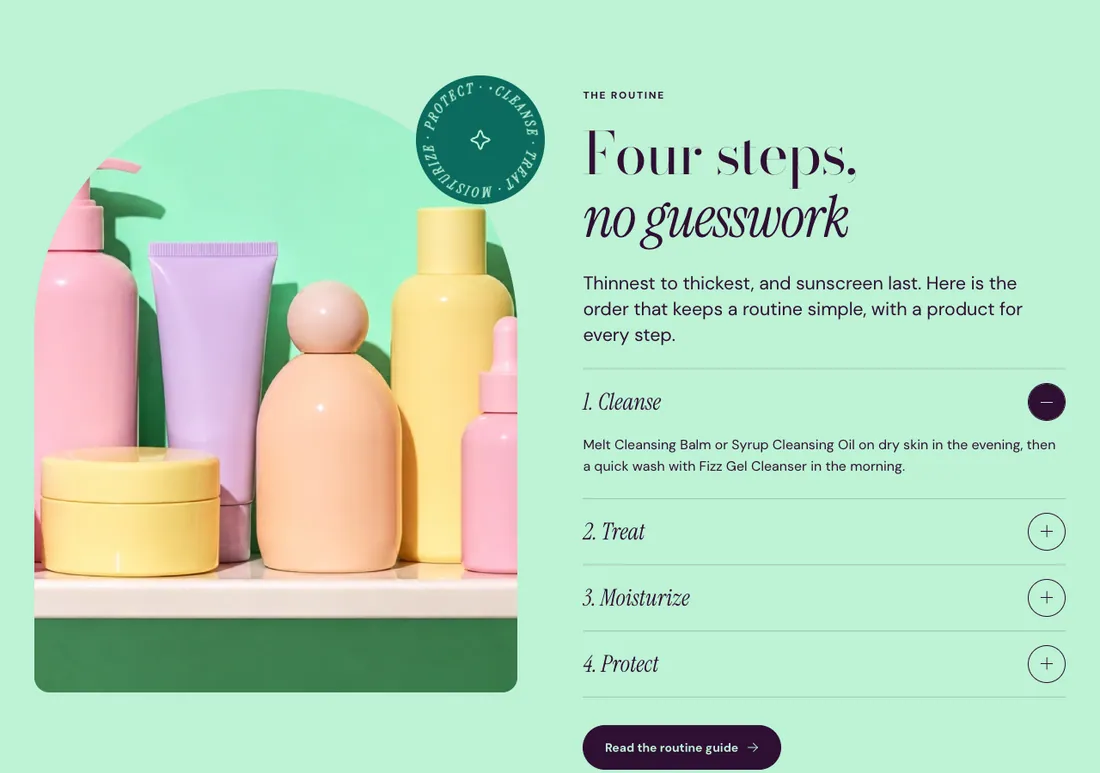
Where to find it: In the theme editor, choose Add section on any template, then pick Media with text.
When you add this section, it starts from the Media with text preset.
Settings
Section titled “Settings”| Setting | Type | Default | Options | Notes |
|---|---|---|---|---|
| Image | Image | |||
| Video | Video | Plays muted on a loop with a pause button, and replaces the image. | ||
| Autoplay | Checkbox | Off | Plays muted on a loop with a pause button. Customers who prefer reduced motion see it paused. Shown when Video is on. | |
| Shape | Select | Arch | Rounded, Arch, Circle, Pill | |
| Image ratio | Select | Portrait (4:5) | Adapt to image, Portrait (4:5), Square (1:1), Landscape (4:3), Wide (16:9) | Shown when Shape is not Circle. |
Layout
Section titled “Layout”| Setting | Type | Default | Options | Notes |
|---|---|---|---|---|
| Position | Select | Left | Left, Right | |
| Width split | Select | Media 50 / text 50 | Media 40 / text 60, Media 50 / text 50, Media 60 / text 40 | |
| Vertical alignment | Select | Middle | Top, Middle, Bottom | |
| Mobile order | Select | Media first | Media first, Text first |
Motion
Section titled “Motion”| Setting | Type | Default | Options | Notes |
|---|---|---|---|---|
| Drift images on scroll | Checkbox | On | ||
| Reveal media with a wipe | Checkbox | On | When off, the media follows the section animation. |
Rotating badge
Section titled “Rotating badge”| Setting | Type | Default | Options | Notes |
|---|---|---|---|---|
| Badge text | Text | Made with care | The text runs around a circle and repeats to fill it. 40 characters max. Leave empty to hide the badge. | |
| Icon | Select | Sparkle | None, Flame, Sparkle, Star, Leaf, Heart | |
| Position | Select | Bottom right | Top left, Top right, Bottom left, Bottom right | |
| Size | Slider | 140 px | 90 to 220 px, step 10 | |
| Time for one turn | Slider | 18 s | 6 to 40 s, step 2 | Lower is faster. The badge also turns as the page scrolls. |
Section style
Section titled “Section style”| Setting | Type | Default | Options | Notes |
|---|---|---|---|---|
| Color scheme | Color scheme | Scheme 1 | ||
| Layout width | Select | Page width | Page width, Full width | |
| Animation on scroll | Select | Theme default | Theme default, None, Fade, Slide up, Scale in, Wipe, Blur in | |
| Top padding | Slider | 80 px | 0 to 200 px, step 8 | |
| Bottom padding | Slider | 80 px | 0 to 200 px, step 8 |
Blocks
Section titled “Blocks”You can also add any theme block (see Blocks) and app blocks to this section.