Gift cards
Picante adds a form that lets shoppers send a gift card to someone else. It also shows the card on its own page.
Make a gift card product
Section titled “Make a gift card product”Create the product in your Shopify admin. Shopify explains how in Creating and selling gift cards. The form shows only on gift card products.
Turn the recipient form on or off
Section titled “Turn the recipient form on or off”- Open the theme editor.
- Select the page picker, then Products, then Default product.
- Select the pencil icon next to Preview, then choose your gift card product.
- Select Product information (marker 1) in the left panel.
- Select Buy buttons in the list of blocks (marker 2).
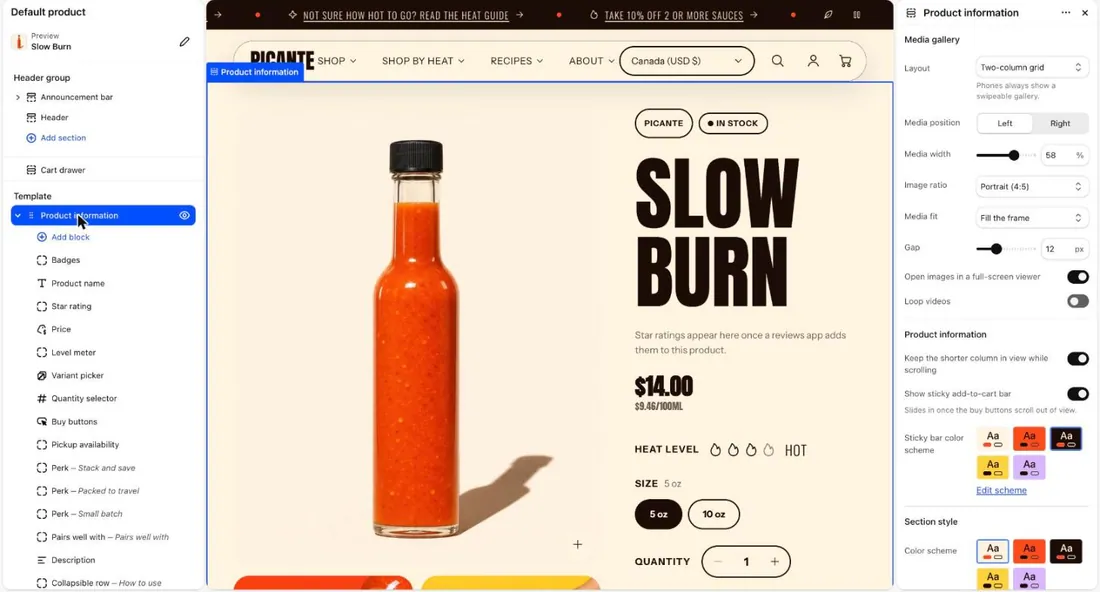
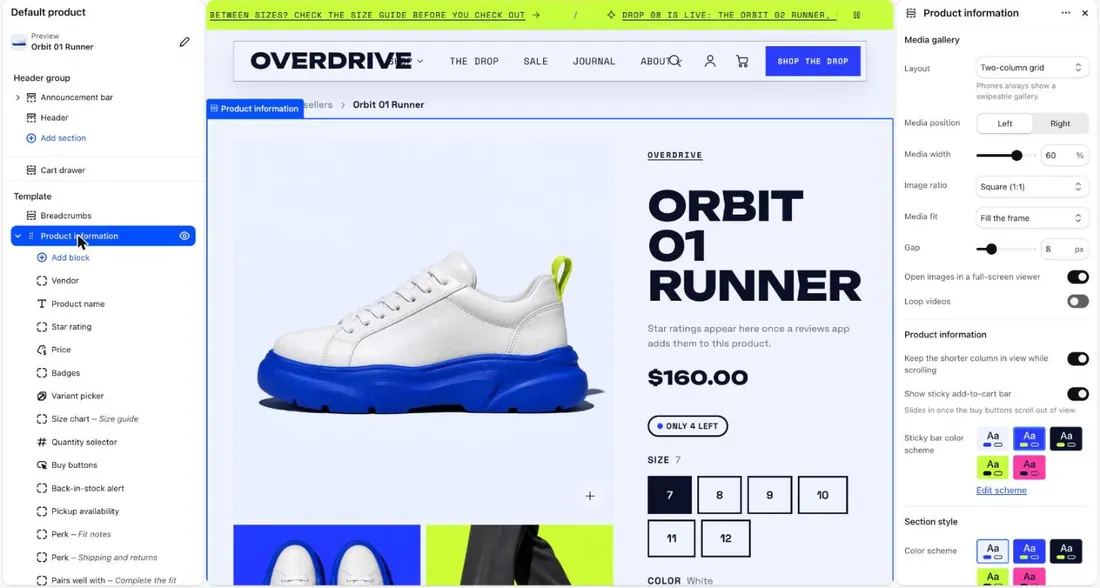
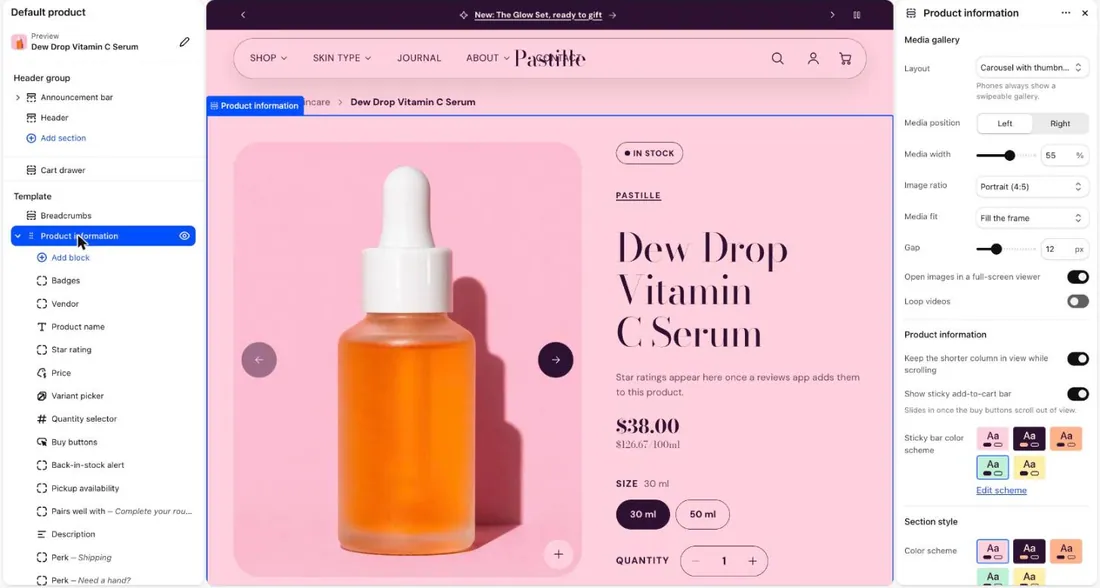
- Switch Show gift card recipient form on or off. It is on by default.
- Select Save.
What the shopper sees
Section titled “What the shopper sees”The shopper ticks I want to send this as a gift. Then these fields appear:
- Recipient email. This one is required.
- Recipient name (optional).
- Message (optional). It can have up to 200 characters.
- Send on (optional). Pick a date up to 90 days ahead. Leave it empty to send right away.
If the box is not ticked, the gift card goes to the shopper.
What the person who gets the card sees
Section titled “What the person who gets the card sees”Shopify sends them a link to a gift card page. It shows:
- The balance, the gift card code and a QR code.
- The buttons Copy code, Print and Start shopping.
The page uses your colors and fonts. It has no settings in the theme editor. To change them, see Change colors and Change fonts.
Good to know
Section titled “Good to know”- While the form is on, quick checkout buttons such as Shop Pay are hidden on gift card products. Shoppers use Add to cart and then check out.
- The quick view pop-up does not show the form. It tells shoppers to open the product page.
- Search engines do not list the gift card page.
- A different gift card page layout needs code changes. Duplicate your theme first. Code changes are not supported, so ask a Shopify Partner.