Themes help
Help for the Spicydesign.ca Shopify themes. Easy steps with screenshots. Find what you need, or write to us.
Which theme do you use?
Pick yours and the help shows its colors, fonts and pictures. You can change it any time with the Theme switch at the top of every page.
 Get startedAdd your theme to your store and make your first change.
 Pick a themePicante, Overdrive or Pastille. Find your look.
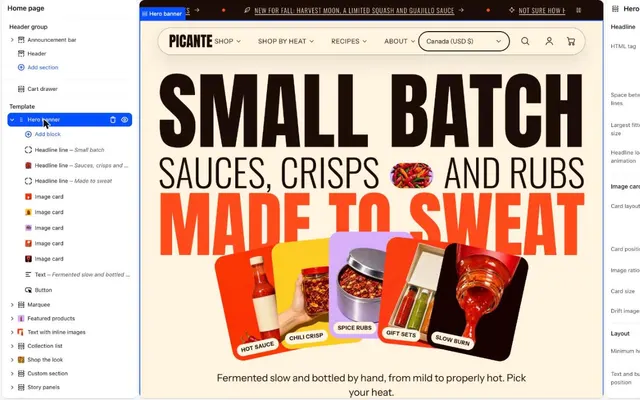 Edit your homepageAdd, move and change sections in the theme editor.
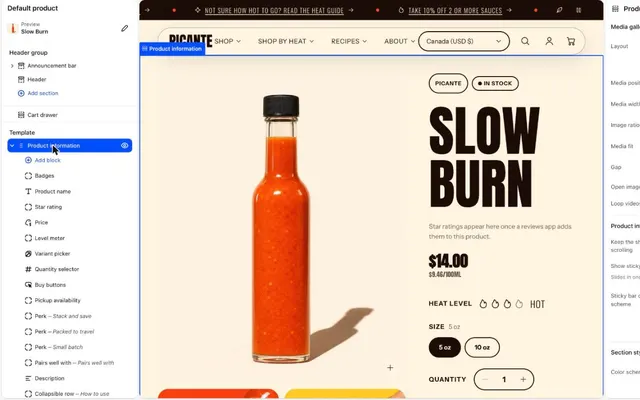 Products and collectionsChange how your products and collections look.
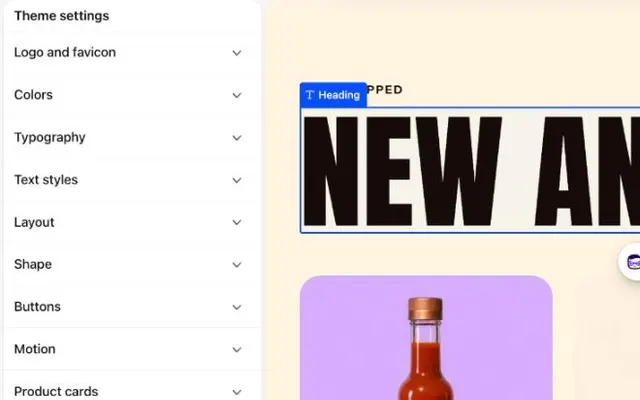 Cart and checkoutChoose a cart drawer and set up free shipping.
 Get helpQuick answers, or write to us.
Popular: Change colors, Set up menus, Change fonts, Launch checklist.
Need a person? Contact support. We reply within 2 business days, Monday to Friday, 9:00 to 17:00 Eastern.
Looking for one exact setting? See the full reference.