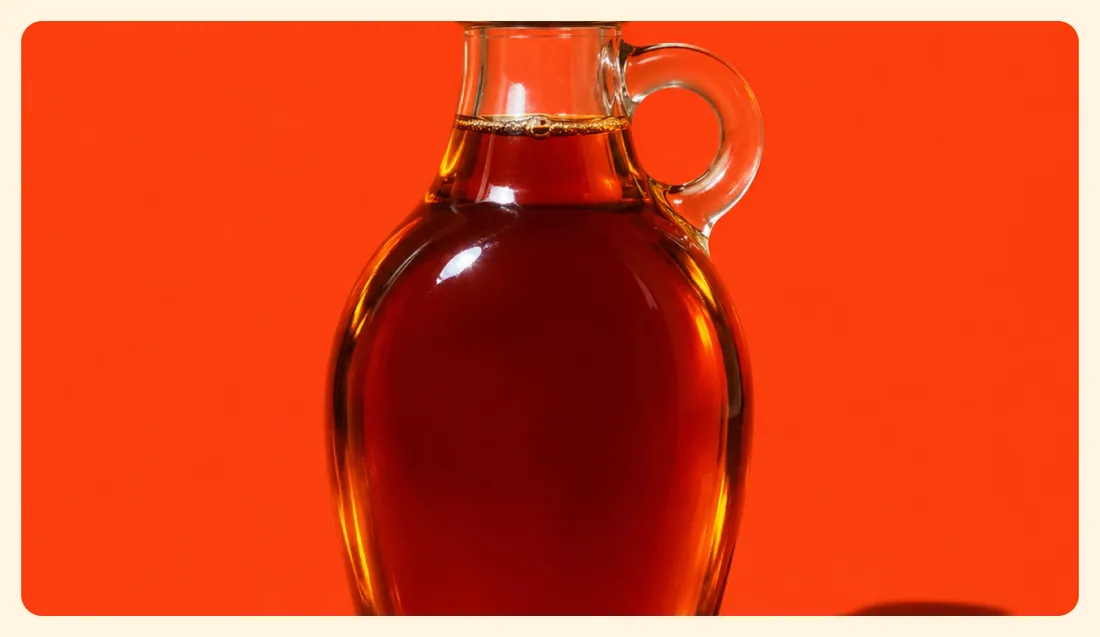
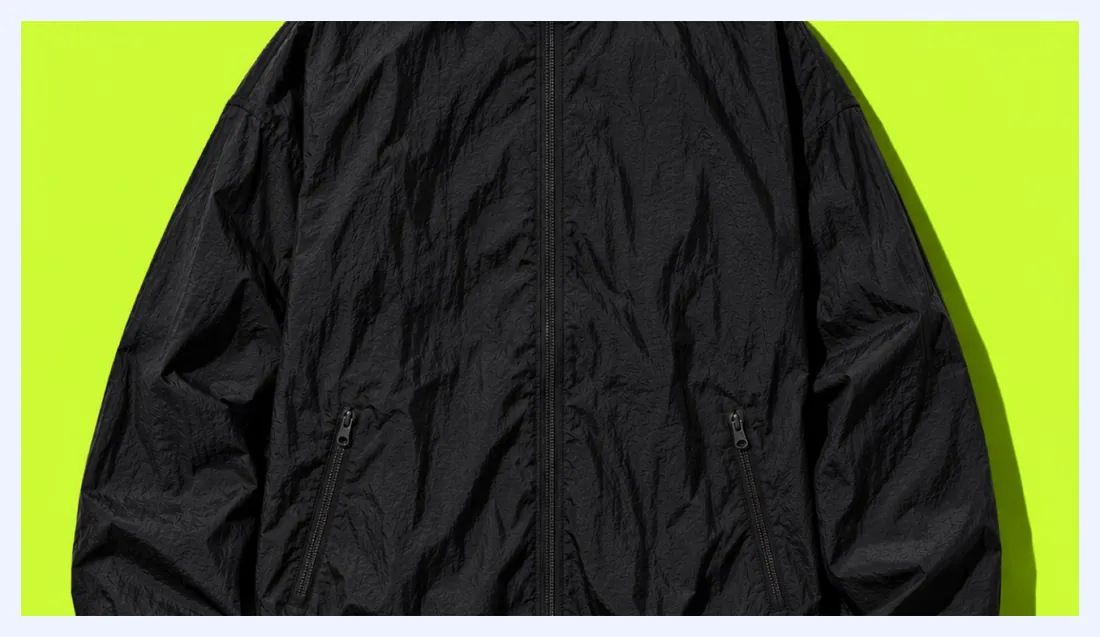
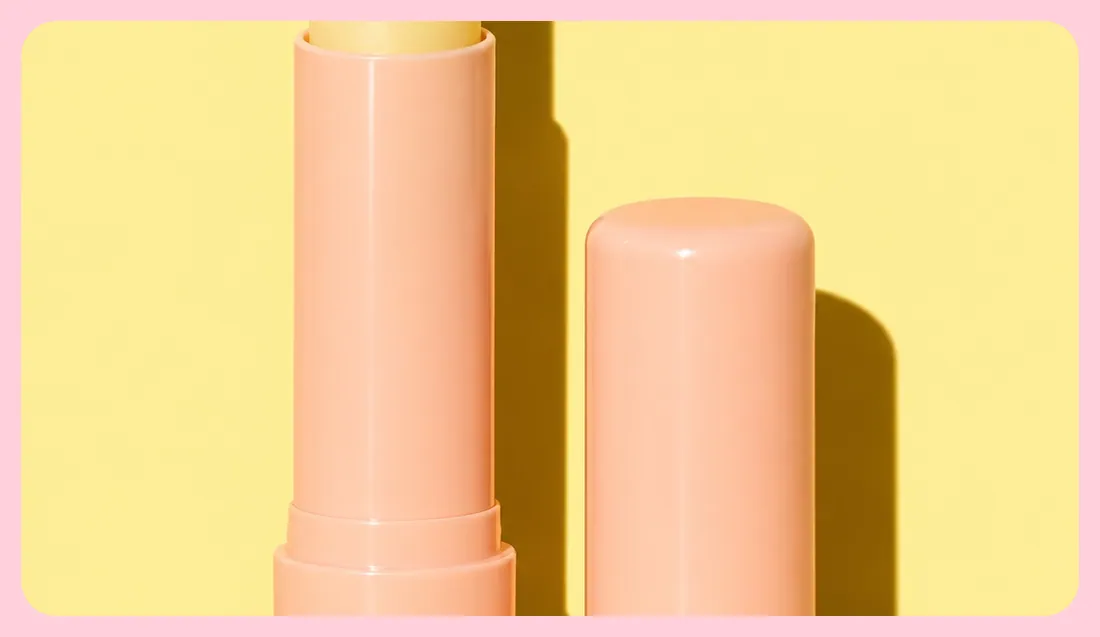
A video from Shopify, YouTube or Vimeo.
Where to find it: open any section sidebar that accepts theme blocks, choose Add block , then pick Video .
The same block in the three themes:
Picante style Overdrive style Pastille style When you add this section, you can start from these presets: Video , Silent video loop .
Setting
Type
Default
Options
Notes
Video
Video
YouTube or Vimeo link
Video link
https://www.youtube.com/watch?v=_9VUPq3SxOc Plays when you leave the video file empty. In Player mode, add a cover image: YouTube and Vimeo load nothing until a customer presses play.
Cover image
Image
Shows before the video plays. Uploaded videos use their own cover frame when this is empty.
Playback
Select
Player with play button
Player with play button, Silent loop
Silent loop plays muted on repeat with a pause button and stays still for customers who reduce motion. Player waits for a click, so YouTube and Vimeo load nothing until then.
Aspect ratio
Select
Wide (16:9)
Adapt to video, Wide (16:9), Landscape (4:3), Square (1:1), Portrait (4:5), Tall (9:16)
Accessible label
Text
Names the play button and the video for screen readers in Player mode. Screen readers skip silent loops because they are decorative.
Setting
Type
Default
Options
Notes
Alignment
Text alignment
left
Left, center, right
Width
Select
Fill
Fit content, Fill, Custom
Custom width
Slider
50 %
10 to 100 %, step 5
Shown when Width is Custom.
Max width
Select
None
None, Narrow, Normal, Wide
Setting
Type
Default
Options
Notes
Inherit color scheme
Checkbox
On
Color scheme
Color scheme
Scheme 1
Shown when Inherit color scheme is off.
Corner radius
Slider
0 px
0 to 80 px, step 2
Border
Select
None
None, Solid, Dashed
Border thickness
Slider
2 px
1 to 8 px, step 1
Shown when Border is not None.
Setting
Type
Default
Options
Notes
Customize padding
Checkbox
Off
Padding settings stay visible while any side has padding. Set a side to 0px to remove its padding.
Top padding
Slider
0 px
0 to 100 px, step 2
Shown when Customize padding is on or Top padding is on or Bottom padding is on or Left padding is on or Right padding is on.
Bottom padding
Slider
0 px
0 to 100 px, step 2
Shown when Customize padding is on or Top padding is on or Bottom padding is on or Left padding is on or Right padding is on.
Left padding
Slider
0 px
0 to 100 px, step 2
Shown when Customize padding is on or Top padding is on or Bottom padding is on or Left padding is on or Right padding is on.
Right padding
Slider
0 px
0 to 100 px, step 2
Shown when Customize padding is on or Top padding is on or Bottom padding is on or Left padding is on or Right padding is on.
Setting
Type
Default
Options
Notes
Animation on scroll
Select
Theme default
Theme default, None, Fade, Slide up, Scale in, Wipe, Blur in
Zoom out on scroll
Checkbox
On
Starts slightly zoomed in and settles into its frame as it scrolls into view.