Newsletter section
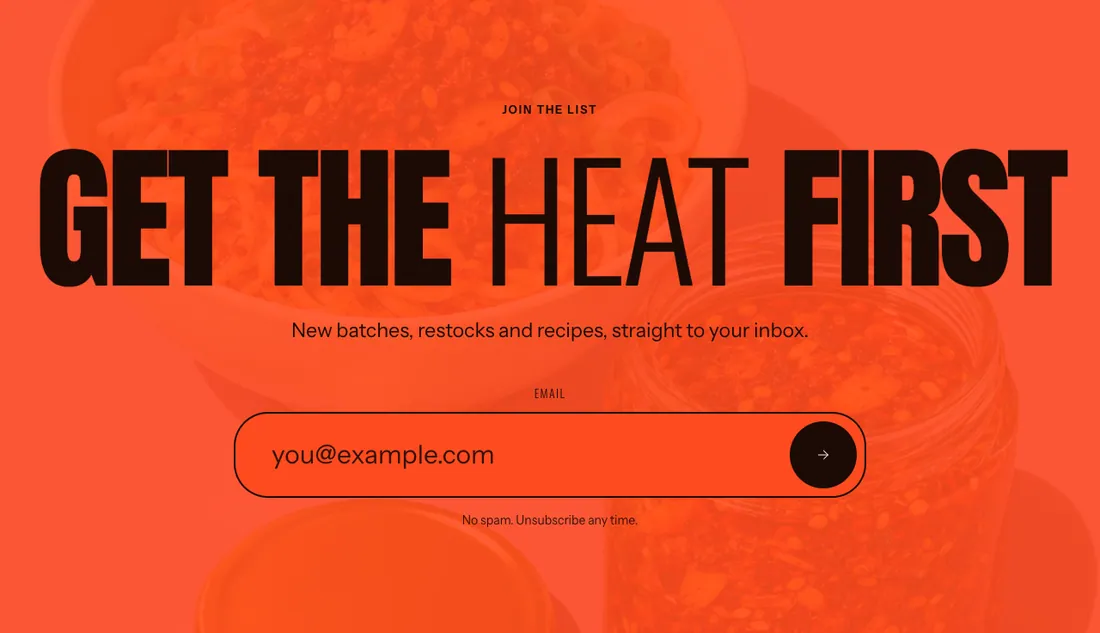
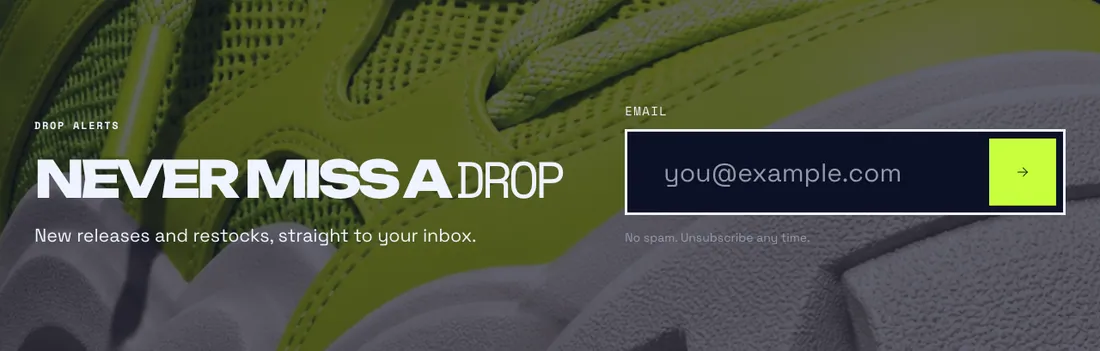
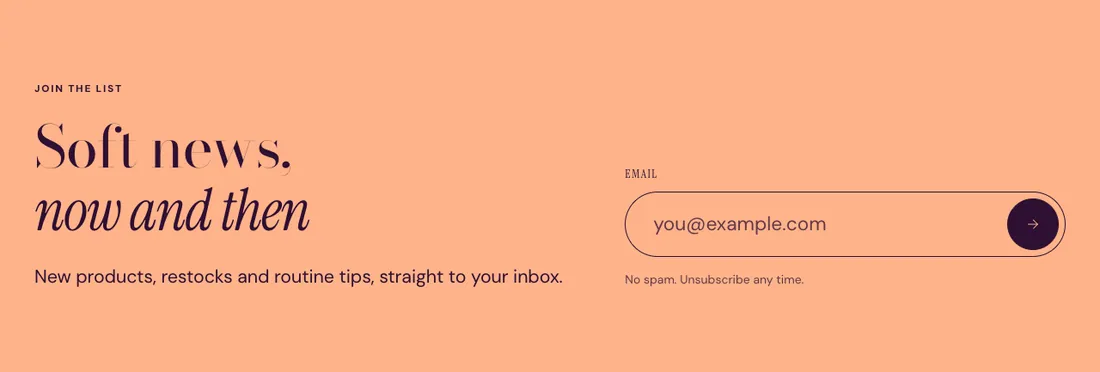
Email signup banner with a pill input, optional background image and parallax.
The same section in the three themes:
Where to find it: In the theme editor, choose Add section on any template, then pick Newsletter.
When you add this section, you can start from these presets: Newsletter, Newsletter, split.
Settings
Section titled “Settings”| Setting | Type | Default | Options | Notes |
|---|---|---|---|---|
| Layout | Select | Centered | Centered, Split | |
| Minimum height | Slider | 0 svh | 0 to 100 svh, step 10 |
| Setting | Type | Default | Options | Notes |
|---|---|---|---|---|
| Field size | Select | Large | Medium, Large, Extra large | |
| Success message | Text | Leave empty to use the default message. | ||
| Small print | Inline text | No spam. Unsubscribe any time. |
Background image
Section titled “Background image”| Setting | Type | Default | Options | Notes |
|---|---|---|---|---|
| Image | Image | |||
| Overlay opacity | Slider | 50 % | 0 to 90 %, step 5 | Tints the image with the section background color so text stays readable. Shown when Image is on. |
| Drift images on scroll | Checkbox | On | Shown when Image is on. |
Section style
Section titled “Section style”| Setting | Type | Default | Options | Notes |
|---|---|---|---|---|
| Color scheme | Color scheme | Scheme 2 | ||
| Layout width | Select | Page width | Page width, Full width | |
| Animation on scroll | Select | Theme default | Theme default, None, Fade, Slide up, Scale in, Wipe, Blur in | |
| Top padding | Slider | 80 px | 0 to 200 px, step 8 | |
| Bottom padding | Slider | 80 px | 0 to 200 px, step 8 |
Blocks
Section titled “Blocks”You can also add any theme block (see Blocks) and app blocks to this section.