Fix a problem
Most problems come from one setting, missing content or an app. Find your symptom and try the steps in order.
Before you contact us
Section titled “Before you contact us”- Duplicate your theme and test on the copy.
- Try another browser, or a private window.
- Check this page for your symptom.
A section looks empty
Section titled “A section looks empty”- Click the section in the theme editor.
- Check each image, product and collection setting. Empty ones show a placeholder.
- Replace the sample text with your own. Text lives in blocks like Heading and Text.
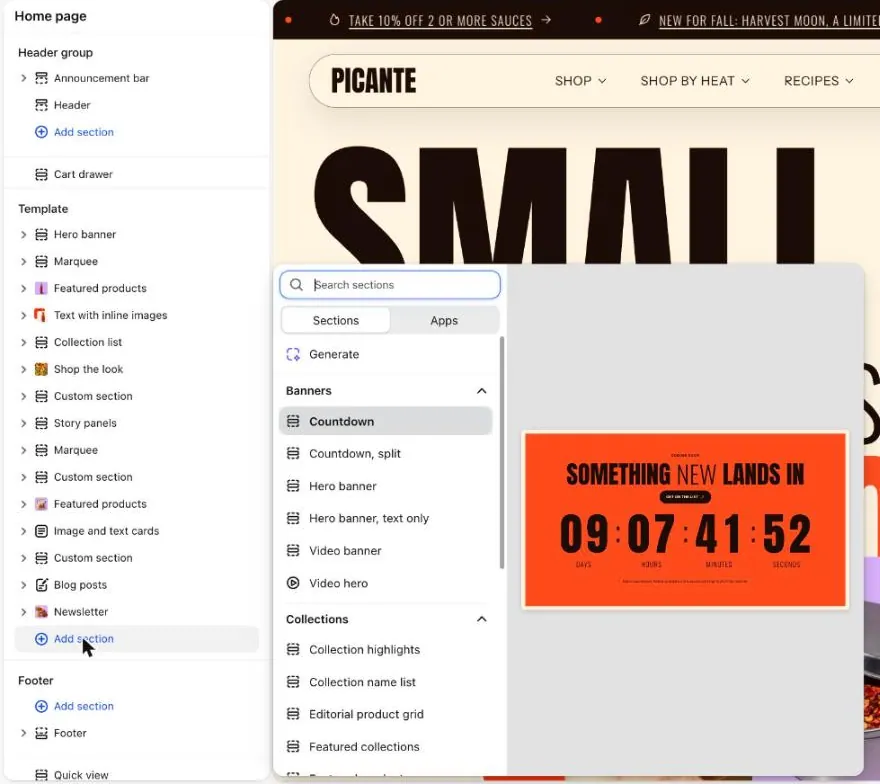
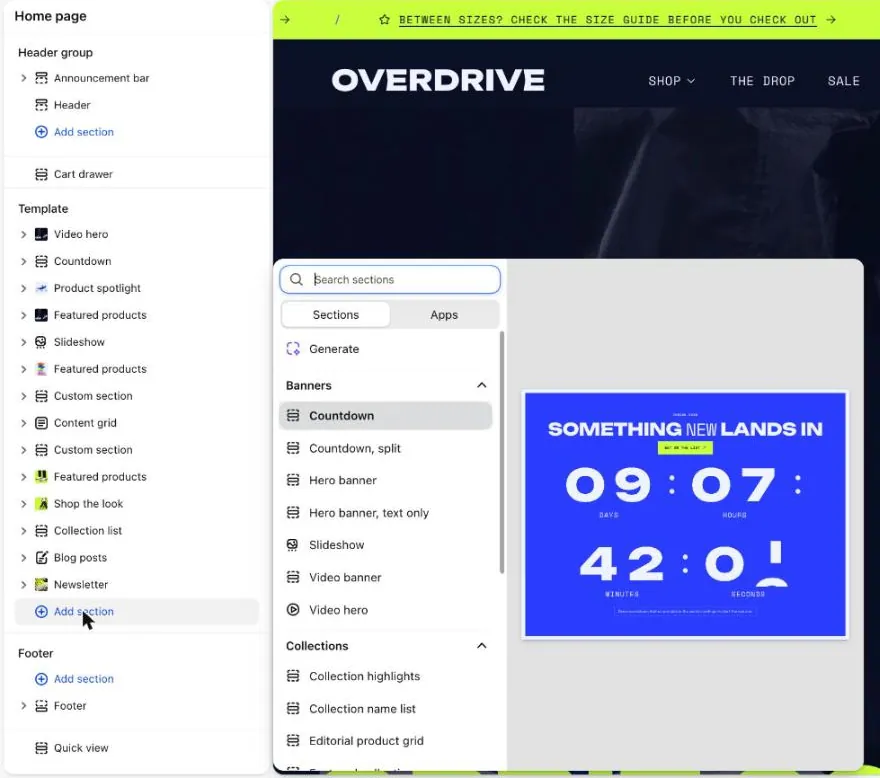
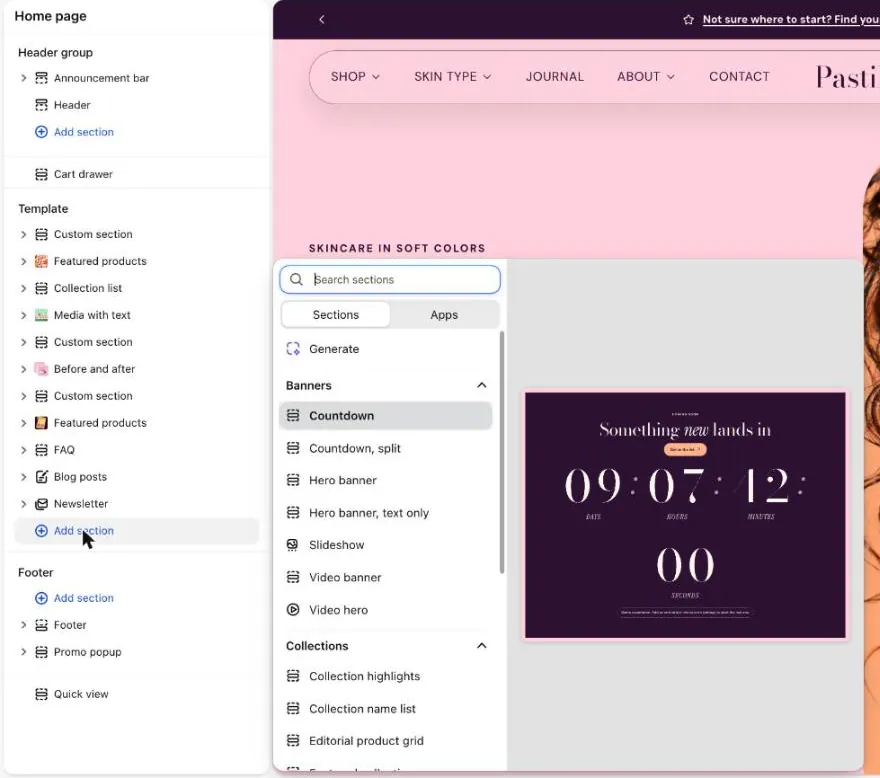
- Check which style you installed. A different style looks different from a demo.
Text or images are missing
Section titled “Text or images are missing”- Check that the block is not empty or hidden.
- Check the section’s color scheme. Text the same color as its background looks missing.
- Scroll slowly. Content fades in as it appears.
- Set Animation on scroll to None to test.
- Reload the page, or try another browser.
A section does not show on the page
Section titled “A section does not show on the page”Some sections hide on purpose. Pairs well with stays hidden until you pick products in the Search & Discovery app. Pickup availability needs local pickup turned on. Star rating needs a reviews app. Language and country selectors need more than one language or country.
- Check that you added the section to the page you are previewing.
- Check that it is not hidden in the sidebar.
- Remember that the main section of a page, like Product information, cannot be added to other pages.
An app is causing trouble
Section titled “An app is causing trouble”- Duplicate your theme and open the copy.
- Turn off your apps one at a time in the copy. Check the problem after each one.
- Remove any app blocks you added, one at a time.
- Compare with a fresh copy of your theme from your theme library.
If the fresh copy works, the cause is an app or code you added. The app’s own support can help from here.
The theme editor feels slow
Section titled “The theme editor feels slow”- Try another browser, or a private window.
- Open a simpler page and see if it is still slow.
- Turn off apps in a duplicate theme and compare.
- Make large images and videos smaller.
Colors look wrong or hard to read
Section titled “Colors look wrong or hard to read”- Check the color scheme on the section, under Section style.
- Open Theme settings, then Colors. Make sure text and background are clearly different.
- For text over a photo, raise the overlay setting if the section has one.
See Change colors.
The store shows English, not French
Section titled “The store shows English, not French”- Check that the language is added and published in your Shopify admin.
- Remember that your theme includes English and French only. Other languages show English for built-in words.
- Text you typed yourself is not translated automatically. Use a translation app.
- Use the language selector to check you are viewing the right language.
The cart does not slide open
Section titled “The cart does not slide open”- Open Theme settings, then Cart.
- Check that Cart type is Drawer. With Page, shoppers go to the cart page.
- Turn off apps one at a time in a duplicate theme.
- Try another browser.
See Cart and checkout.
Animations do not play
Section titled “Animations do not play”- Open Theme settings, then Motion. Make sure Motion level is not None.
- Check your device. If it has reduced motion turned on, your theme follows it.
- Check the section’s Animation on scroll setting.
See Animation.
What to send us
Section titled “What to send us”Still stuck? Send a request through the contact form. Include:
- Your store URL.
- Your theme version.
- Your theme: Picante, Overdrive or Pastille.
- The page with the problem.
- A screenshot, and what you expected to see.
Read the support policy to see what we cover.