Contact form section
Contact form with optional phone, order number, topic and custom fields.
The same section in the three themes:
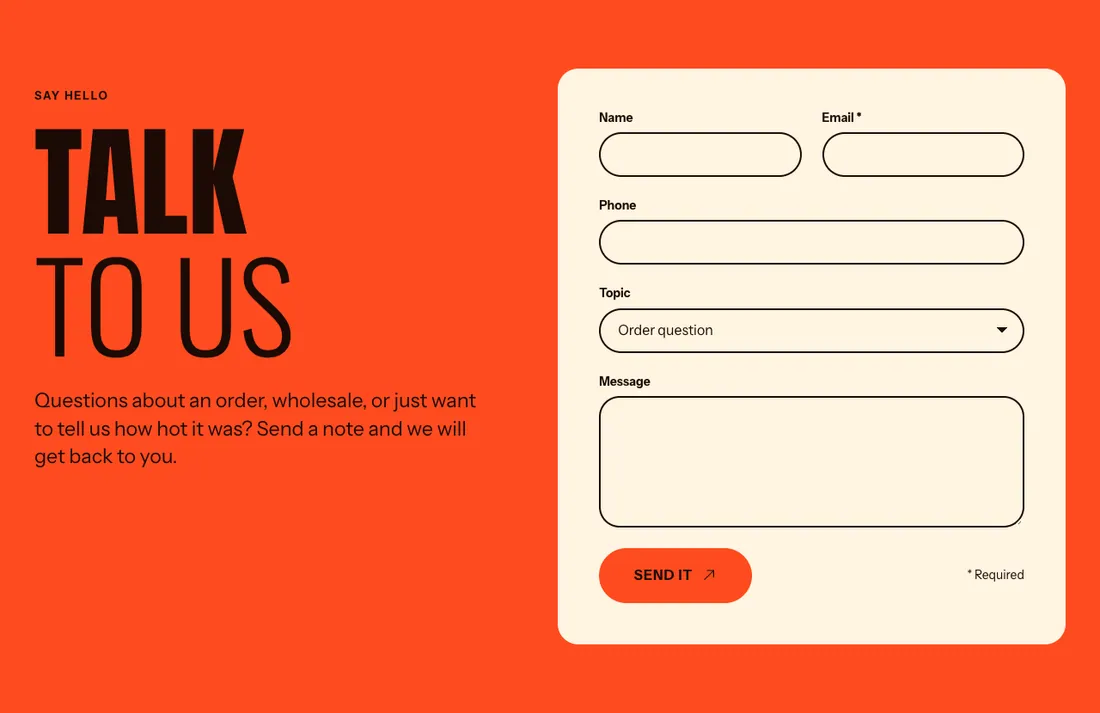
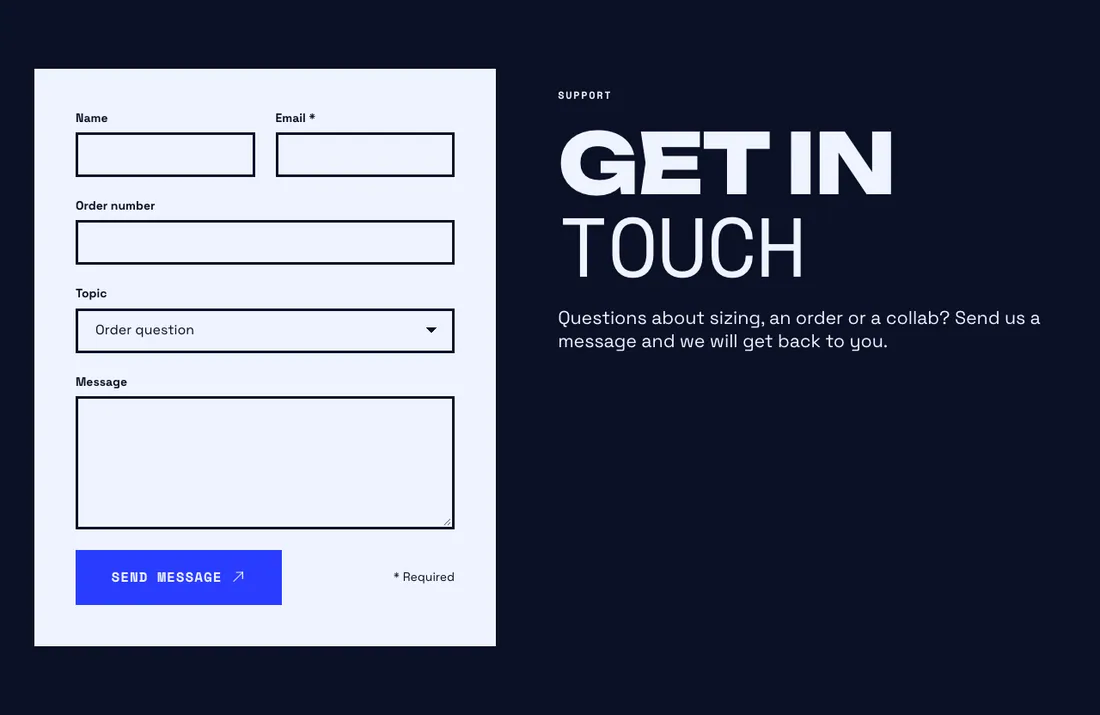
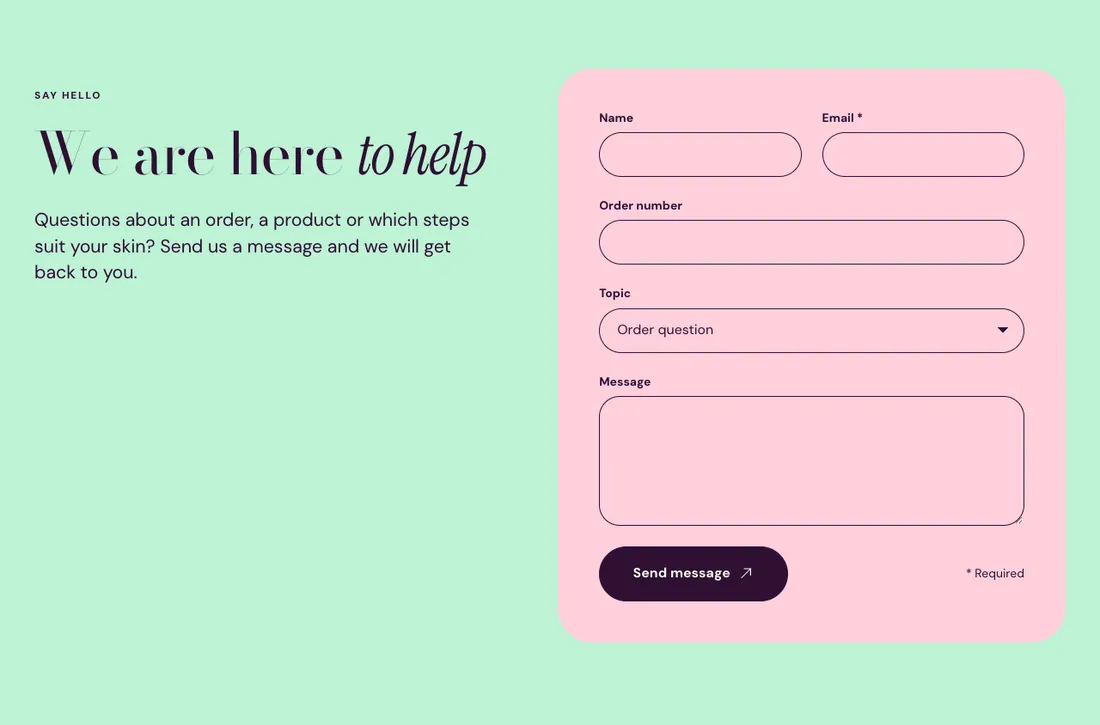
Where to find it: In the theme editor, choose Add section on any template, then pick Contact form.
When you add this section, it starts from the Contact form preset.
Settings
Section titled “Settings”| Setting | Type | Default | Options | Notes |
|---|---|---|---|---|
| Position | Select | Right | Left, Right | |
| Show on a card | Checkbox | On | ||
| Card color scheme | Color scheme | Scheme 1 | Shown when Show on a card is on. |
Fields
Section titled “Fields”| Setting | Type | Default | Options | Notes |
|---|---|---|---|---|
| Show phone field | Checkbox | On | ||
| Show order number field | Checkbox | Off | ||
| Show topic dropdown | Checkbox | Off | ||
| Topics | Text area | Order question Wholesale Press Something else | One topic per line. Shown when Show topic dropdown is on. | |
| Extra field label | Text | Adds one more text field. Leave empty to hide it. | ||
| Message field height | Slider | 6 | 3 to 12, step 1 | |
| Button label | Text | Send it | ||
| Success message | Text | Got it. We will be in touch soon. |
Section style
Section titled “Section style”| Setting | Type | Default | Options | Notes |
|---|---|---|---|---|
| Color scheme | Color scheme | Scheme 2 | ||
| Layout width | Select | Page width | Page width, Full width | |
| Animation on scroll | Select | Theme default | Theme default, None, Fade, Slide up, Scale in, Wipe, Blur in | |
| Top padding | Slider | 80 px | 0 to 200 px, step 8 | |
| Bottom padding | Slider | 80 px | 0 to 200 px, step 8 |
Blocks
Section titled “Blocks”You can also add any theme block (see Blocks) and app blocks to this section.