Featured product section
A full product (media, variant picker, buy buttons) on any page.
The same section in the three themes:
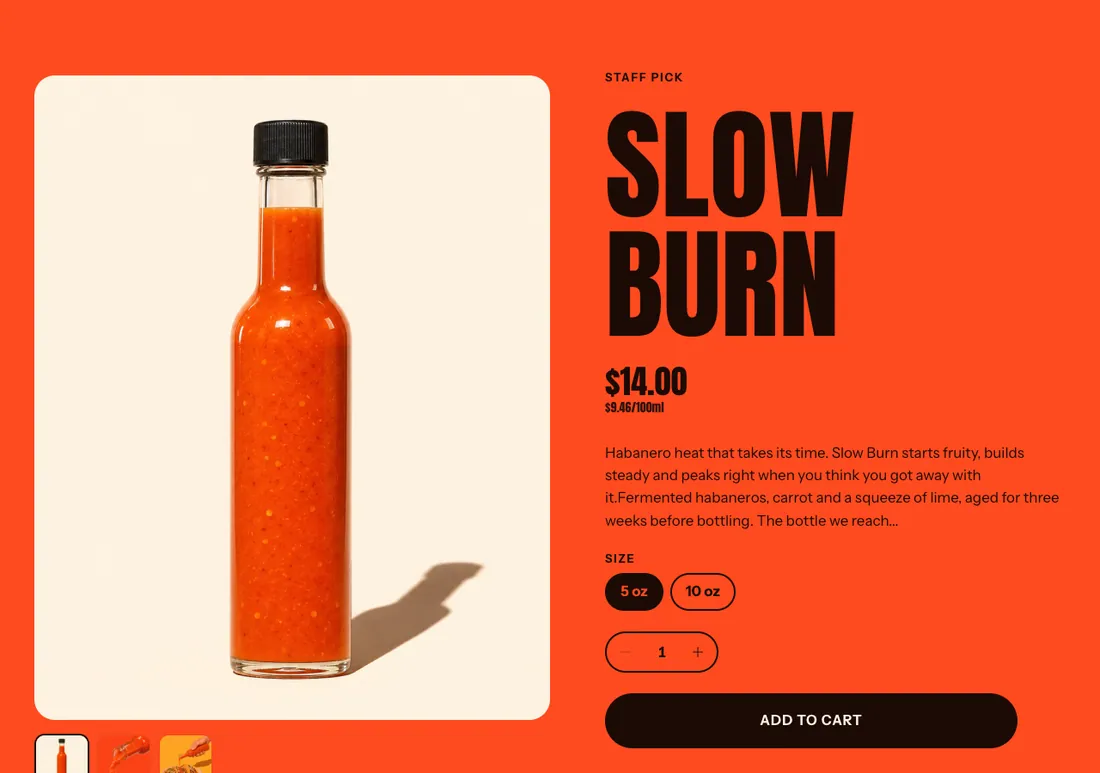
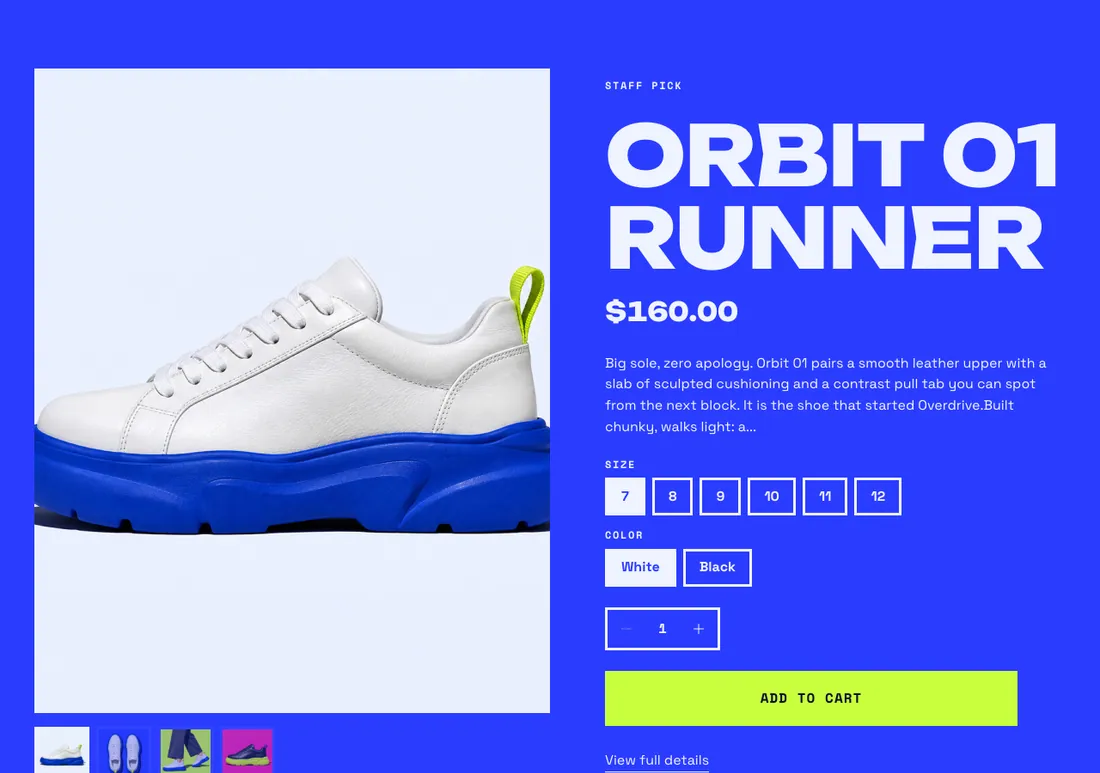
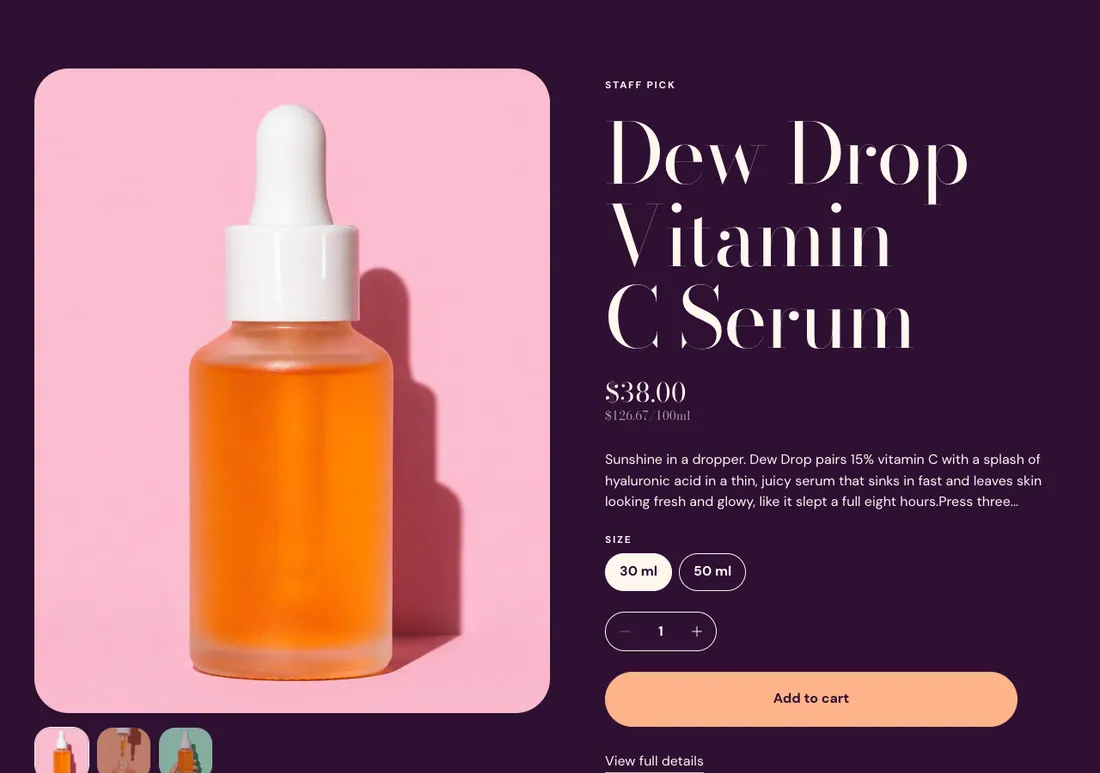
Where to find it: In the theme editor, choose Add section on any template, then pick Featured product.
When you add this section, it starts from the Featured product preset.
Settings
Section titled “Settings”| Setting | Type | Default | Options | Notes |
|---|---|---|---|---|
| Product | Product |
| Setting | Type | Default | Options | Notes |
|---|---|---|---|---|
| Media position | Select | Left | Left, Right | |
| Media width | Select | Medium | Small, Medium, Large | |
| Image ratio | Select | Portrait (4:5) | Adapt to image, Portrait (4:5), Square (1:1), Landscape (4:3) | |
| Show thumbnails | Checkbox | On | ||
| Show sale sticker | Checkbox | On | A round badge with the discount percentage. Shows when the variant is on sale. | |
| Tilt media toward the pointer | Checkbox | On | ||
| Vertical alignment | Select | Middle | Top, Middle, Bottom |
Marquee
Section titled “Marquee”| Setting | Type | Default | Options | Notes |
|---|---|---|---|---|
| Show outlined marquee | Checkbox | On | A strip of giant outlined text that scrolls below the product. | |
| Marquee text | Text | Leave empty to use the product name. Shown when Show outlined marquee is on. | ||
| Speed | Slider | 40 | 10 to 120, step 5 | Shown when Show outlined marquee is on. |
| Direction | Select | Left | Left, Right | Shown when Show outlined marquee is on. |
Section style
Section titled “Section style”| Setting | Type | Default | Options | Notes |
|---|---|---|---|---|
| Color scheme | Color scheme | Scheme 2 | ||
| Layout width | Select | Page width | Page width, Full width | |
| Animation on scroll | Select | Theme default | Theme default, None, Fade, Slide up, Scale in, Wipe, Blur in | |
| Top padding | Slider | 80 px | 0 to 200 px, step 8 | |
| Bottom padding | Slider | 80 px | 0 to 200 px, step 8 |