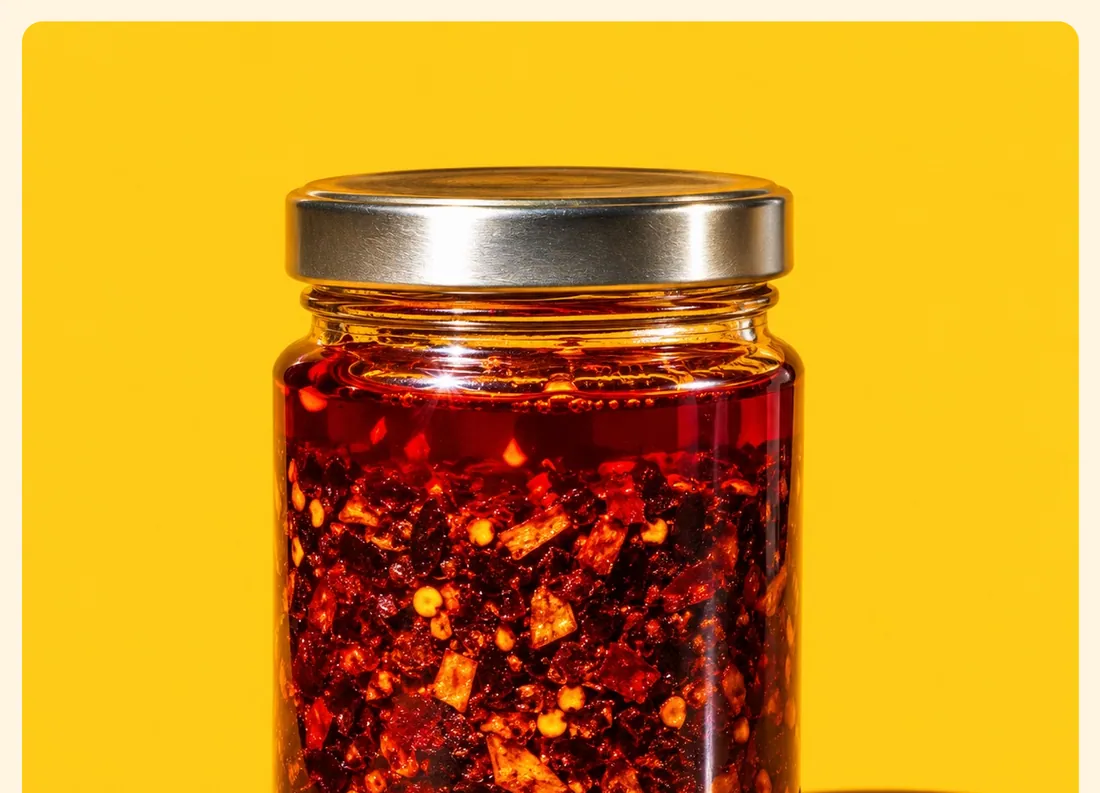
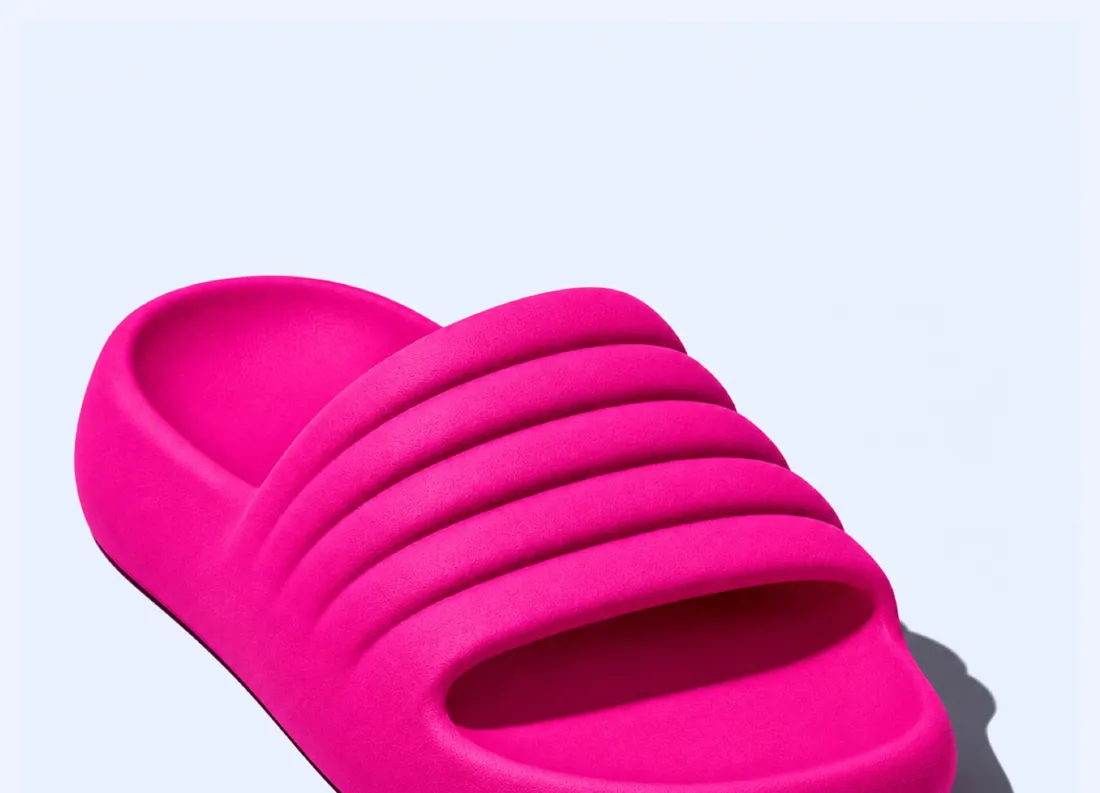
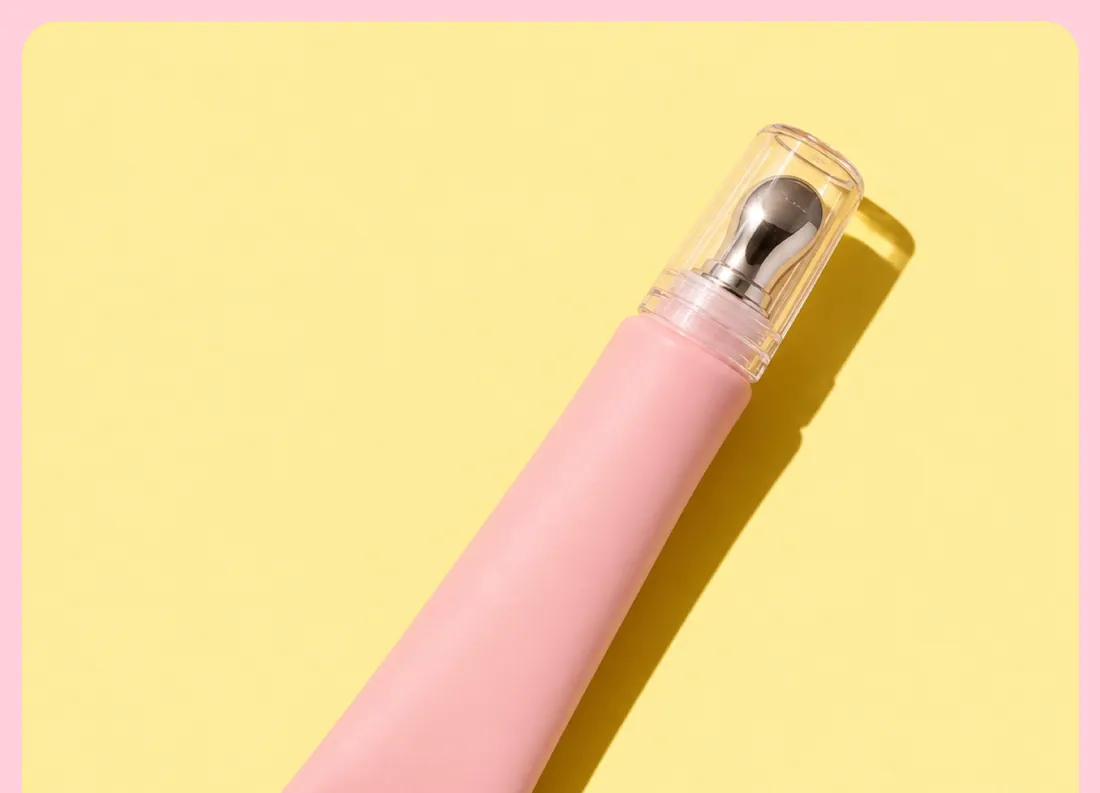
An image with a ratio, shape and optional link.
Where to find it: open any section sidebar that accepts theme blocks, choose Add block, then pick Image.
The same block in the three themes:
Picante styleOverdrive stylePastille style When you add this section, it starts from the Image preset.
| Setting |
Type |
Default |
Options |
Notes |
| Image |
Image |
|
|
|
| Aspect ratio |
Select |
Adapt to image |
Adapt to image, Portrait (4:5), Square (1:1), Landscape (4:3), Wide (16:9) |
|
| Link |
Link |
|
|
|
| Drift images on scroll |
Checkbox |
Off |
|
|
| Zoom on hover |
Checkbox |
Off |
|
|
| Rotation |
Slider |
0 ° |
-12 to 12 °, step 1 |
Tilt images in opposite directions to build a fanned stack. |
| Setting |
Type |
Default |
Options |
Notes |
| Alignment |
Text alignment |
left |
Left, center, right |
|
| Width |
Select |
Fill |
Fit content, Fill, Custom |
|
| Custom width |
Slider |
50 % |
10 to 100 %, step 5 |
Shown when Width is Custom. |
| Max width |
Select |
None |
None, Narrow, Normal, Wide |
|
| Setting |
Type |
Default |
Options |
Notes |
| Corner radius |
Slider |
0 px |
0 to 80 px, step 2 |
|
| Border |
Select |
None |
None, Solid, Dashed |
|
| Border thickness |
Slider |
2 px |
1 to 8 px, step 1 |
Shown when Border is not None. |
| Setting |
Type |
Default |
Options |
Notes |
| Customize padding |
Checkbox |
Off |
|
Padding settings stay visible while any side has padding. Set a side to 0px to remove its padding. |
| Top padding |
Slider |
0 px |
0 to 100 px, step 2 |
Shown when Customize padding is on or Top padding is on or Bottom padding is on or Left padding is on or Right padding is on. |
| Bottom padding |
Slider |
0 px |
0 to 100 px, step 2 |
Shown when Customize padding is on or Top padding is on or Bottom padding is on or Left padding is on or Right padding is on. |
| Left padding |
Slider |
0 px |
0 to 100 px, step 2 |
Shown when Customize padding is on or Top padding is on or Bottom padding is on or Left padding is on or Right padding is on. |
| Right padding |
Slider |
0 px |
0 to 100 px, step 2 |
Shown when Customize padding is on or Top padding is on or Bottom padding is on or Left padding is on or Right padding is on. |
| Setting |
Type |
Default |
Options |
Notes |
| Animation on scroll |
Select |
Theme default |
Theme default, None, Fade, Slide up, Scale in, Wipe, Blur in |
|